 Manufacturing Toolkit

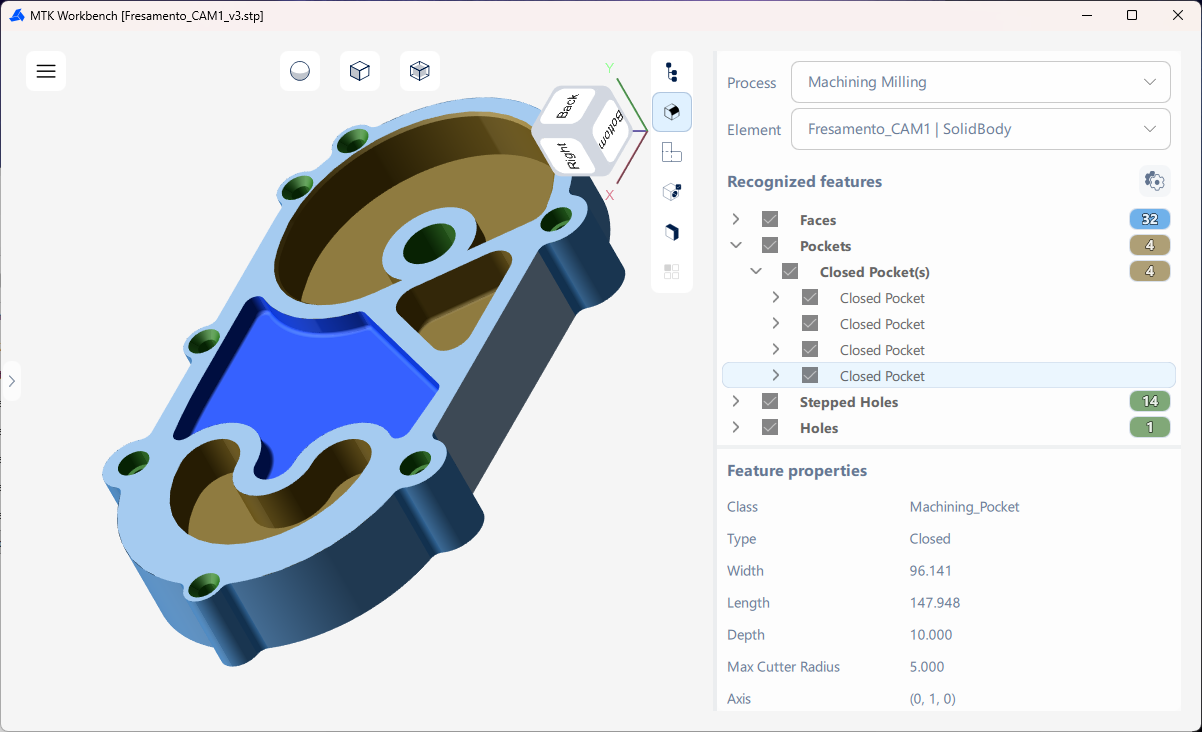
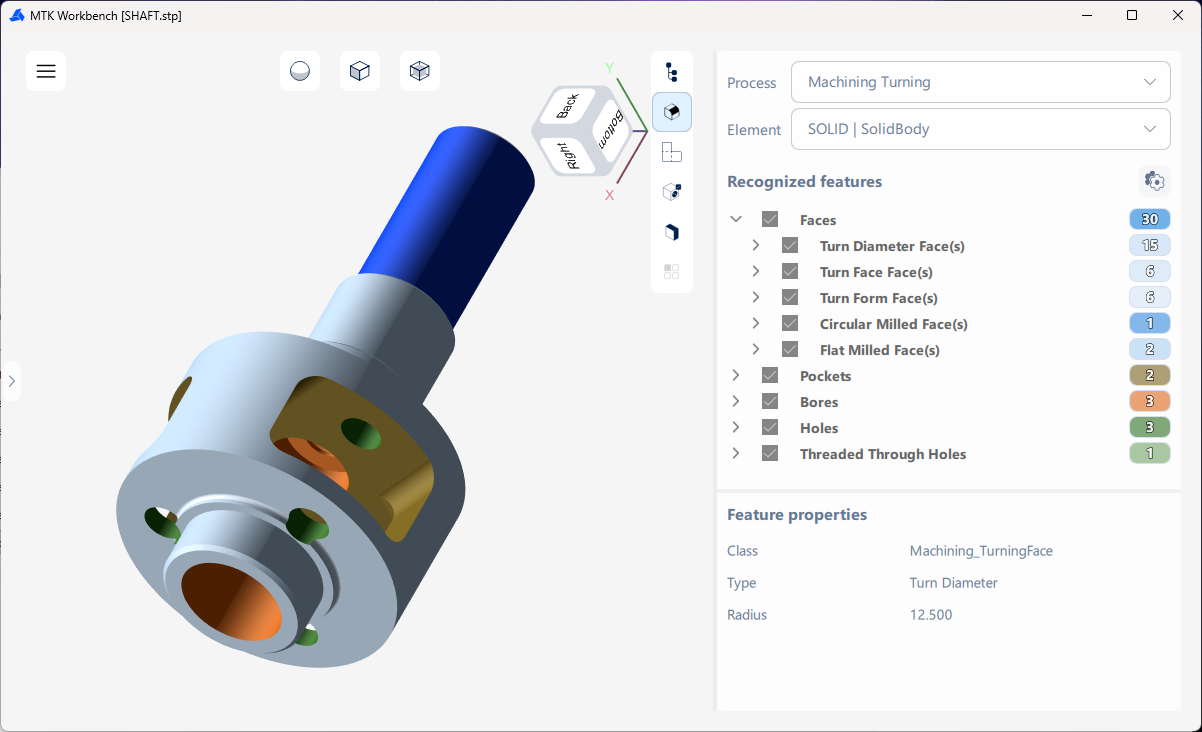
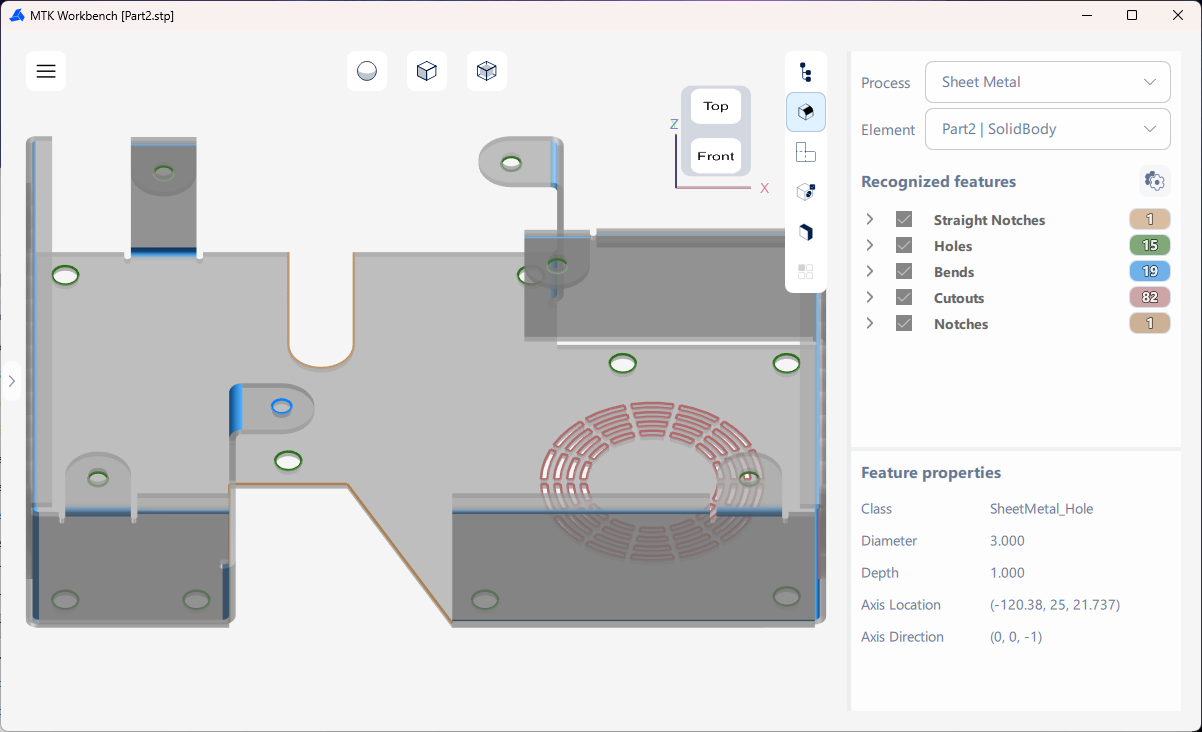
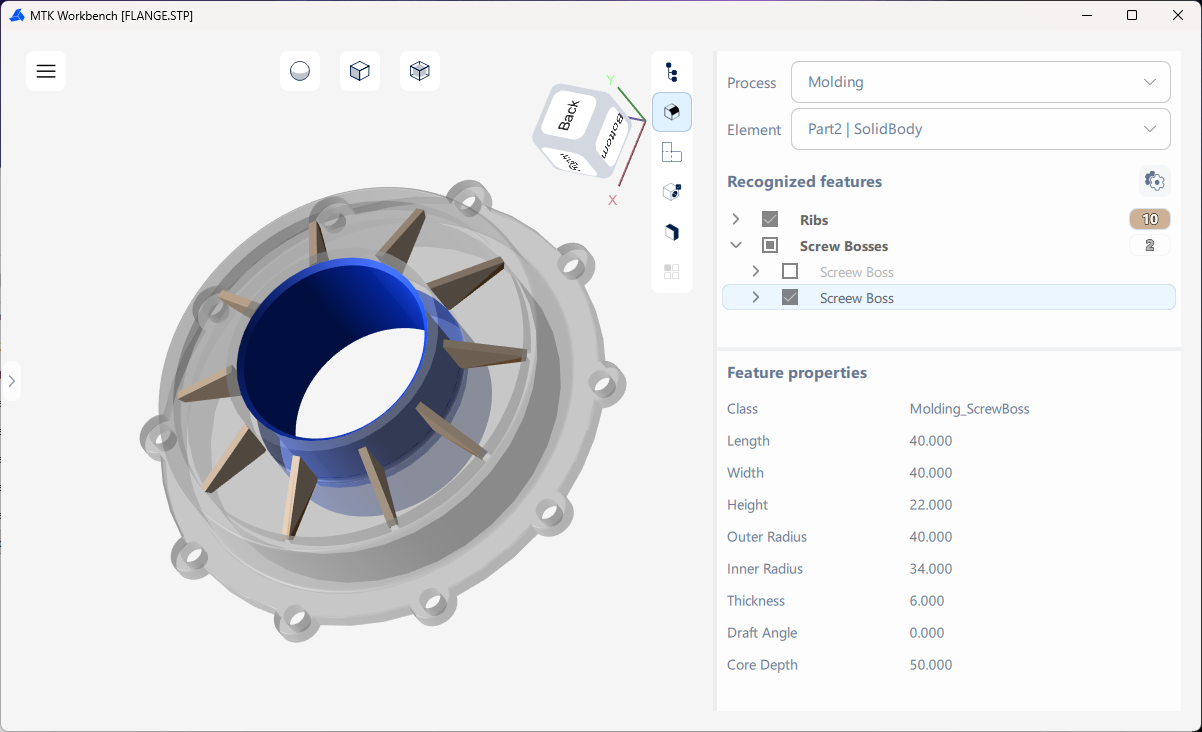
Select a body, configure the recognition parameters, and run "Recognize Features". Recognized features are grouped by type in the result tree and highlighted in the viewer. Individual groups can be shown or hidden.
Available Feature Recognition workflows include:

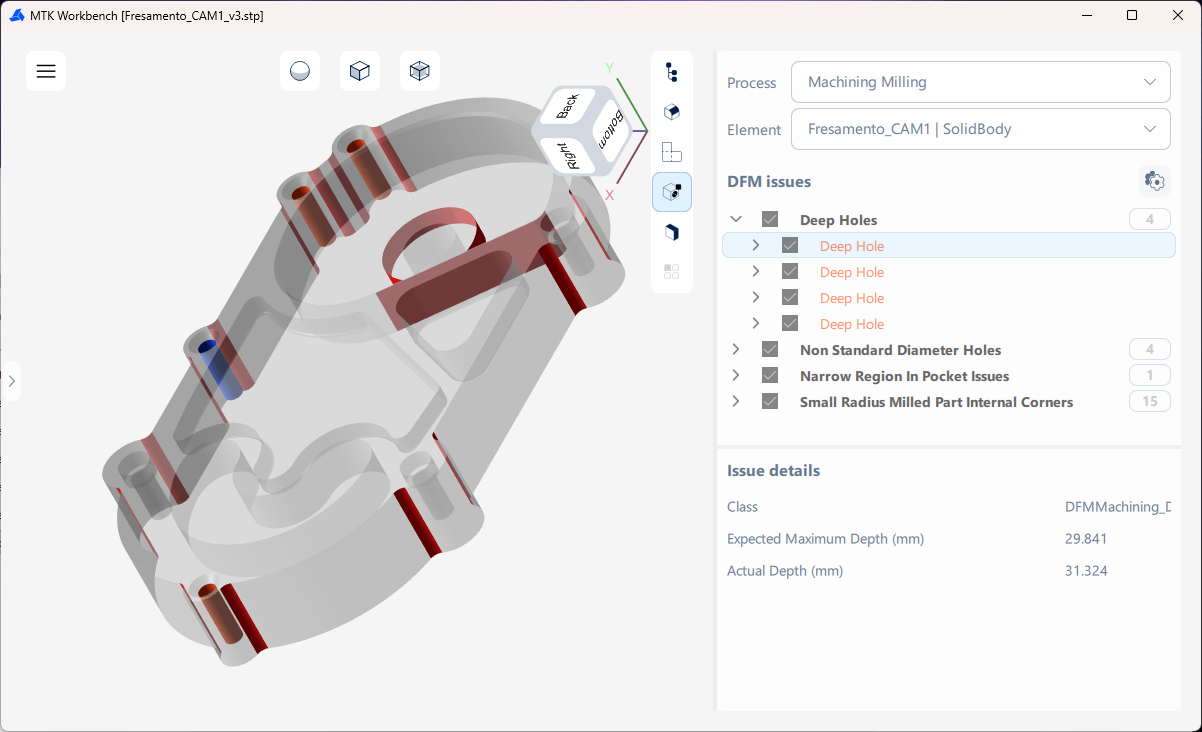
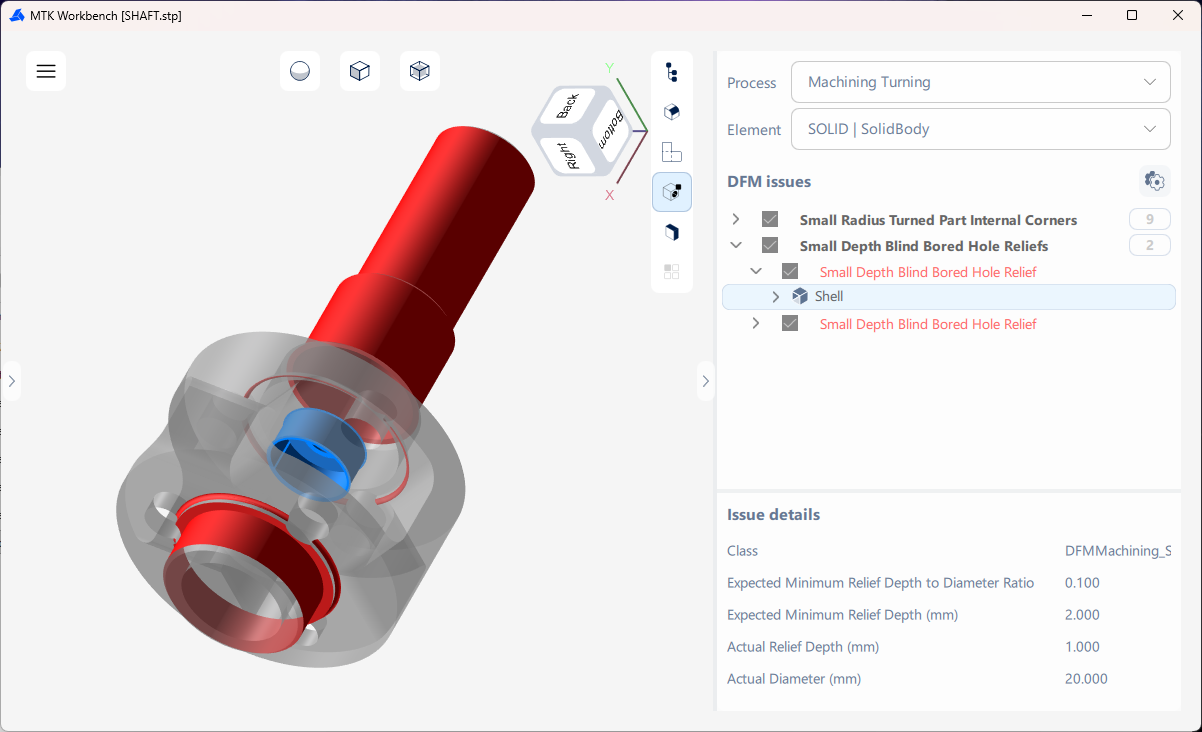
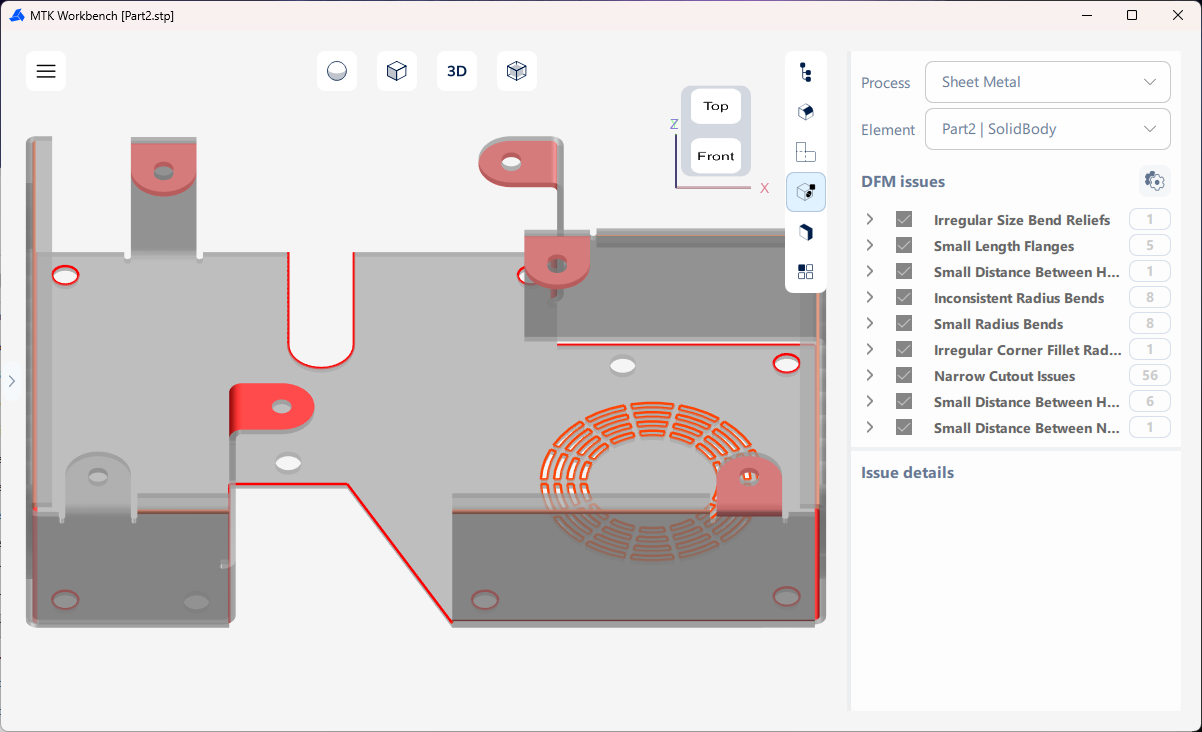
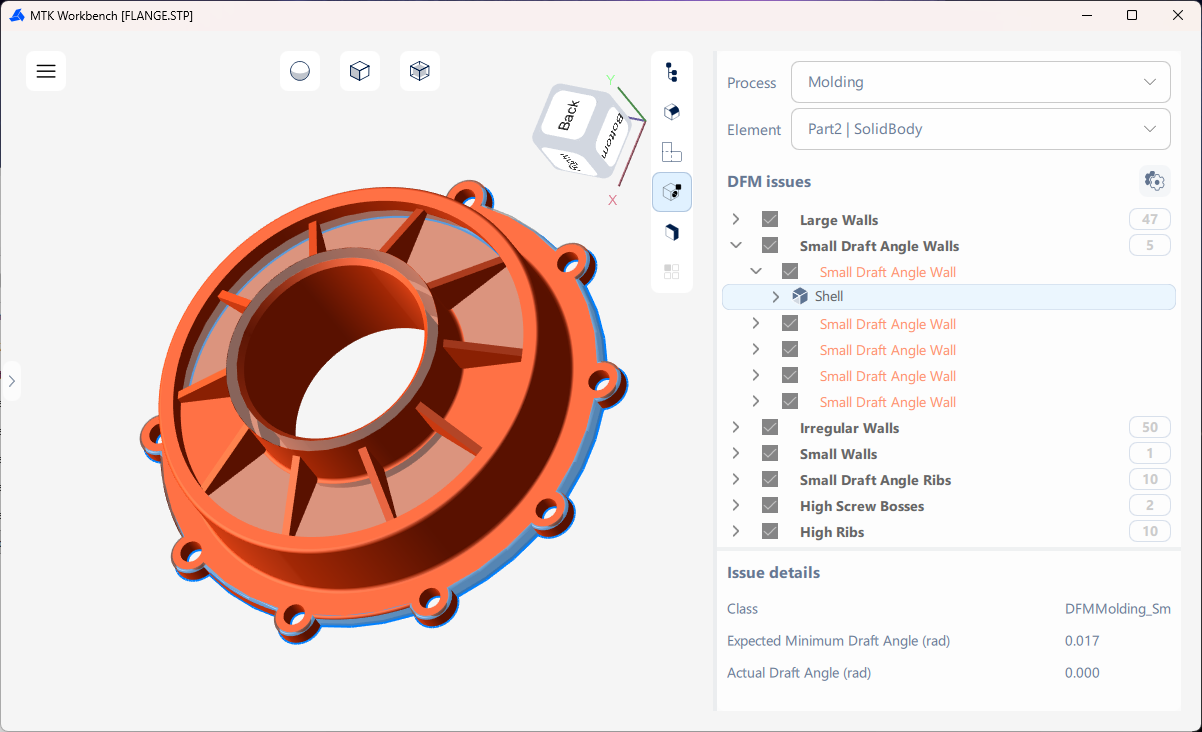
Design for Manufacturing (DFM) Analysis checks the model against configured manufacturing rules. Detected issues are grouped by type. Selecting an issue highlights the affected geometry and displays its details.

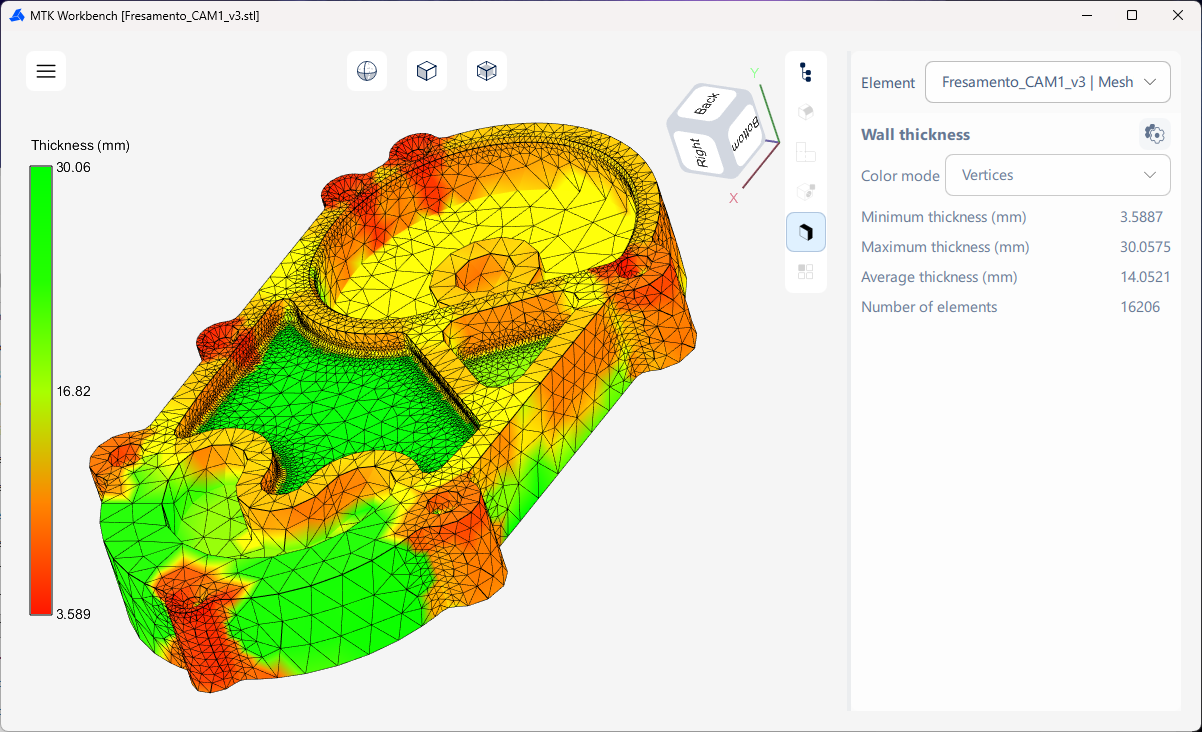
Select a body and run Wall Thickness Analysis to calculate thickness across the model. The result is displayed as a color map together with calculated thickness values.
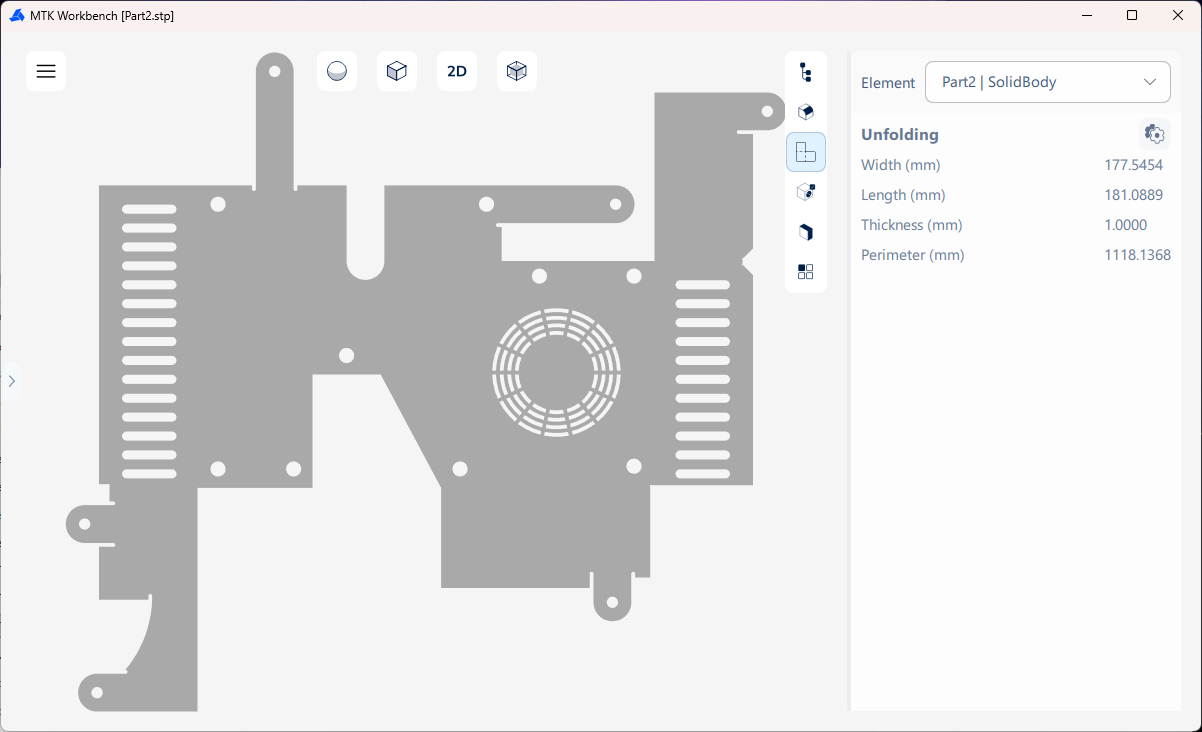
Select a sheet metal body, specify the unfolding parameters, and run "Compute Unfolding". Workbench displays the resulting flat pattern and its calculated dimensions.
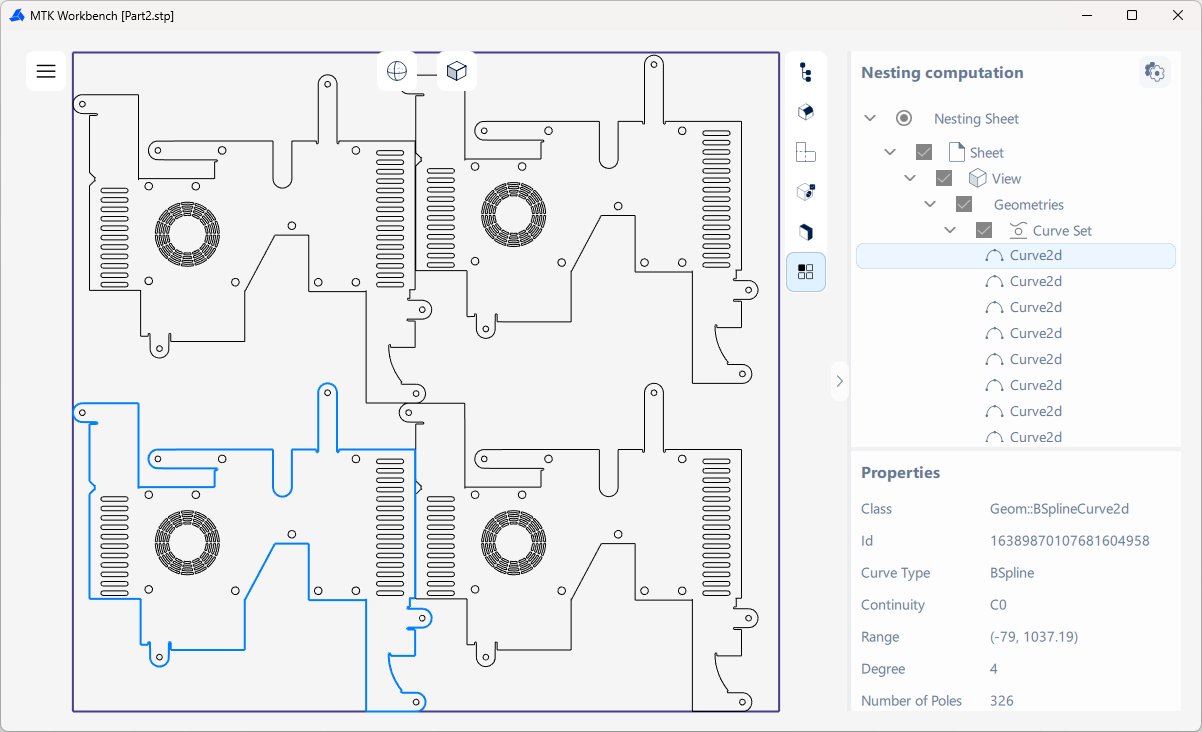
Nesting arranges 2D patterns on sheets. Configure the input and run the calculation to inspect the generated layout in Workbench.