 Manufacturing Toolkit

The Base Model Viewer is the smallest complete React example. It loads MTKWEB model archives or folders, decides whether the loaded file contains model or drawing geometry, builds the matching scene structure, and displays it in a Three.js viewport.
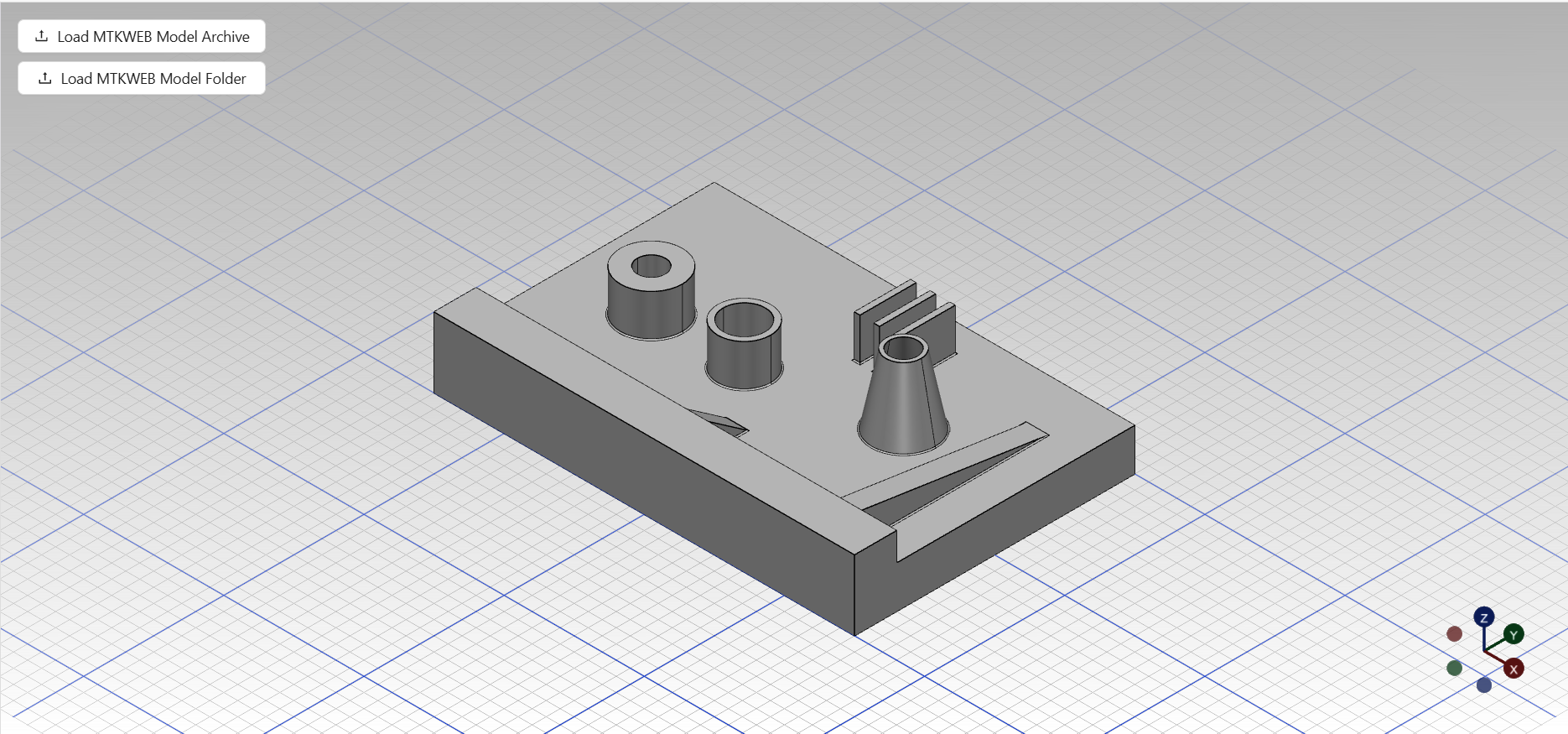
Use this example when you need to learn the default load-and-display flow:
ModelLoader layer;ModelStructure or DrawingStructure;Viewport.scene.roots.objects;The shared BaseModelViewer owns the loaded Model, the available visualization states, the active drawing sheet, the structure builders, and the viewport. The React page owns only page layout, upload controls, and the connection between a mounted canvas and the shared viewport instance.
| Source | Description |
|---|---|
BaseModelViewerreact/src/pages/base-model-viewer/BaseModelViewer.tsx | Main page component. It creates the shared BaseModelViewer instance with useDisposableInstance and renders upload controls, visualization switching, drawing-sheet selection, and the canvas. |
ModelFilePickerGroupreact/src/features/model-file-picker-group/ModelFilePickerGroup.tsx | Provides file and directory upload actions for MTKWEB archives and model folders, prevents concurrent model loads, and reports load results. It is shared by most local-file viewer examples. |
VisualizationStatusSwitcherreact/src/features/visualization-status-switcher/VisualizationStatusSwitcher.tsx | Shows the available visualization modes reported by the viewer and calls back when the user switches between model and drawing display. |
LabeledSelectreact/src/common/ui/labeled-select/LabeledSelect.tsx | Displays the drawing-sheet selector when the current model contains more than one sheet. |
Canvasreact/src/features/canvas/Canvas.tsx | Mounts the Three.js canvas and attaches it to the shared Viewport. |
useBaseVisualizationContextreact/src/features/visualization-context/useBaseVisualizationContext.ts | Bridges viewer events into React state for status, available visualizations, current sheet, and sheet switching. |
| Source | Description |
|---|---|
BaseModelViewershared/src/viewers/base-model-viewer/BaseModelViewer.ts | Owns the Viewport, ModelLoader, active Model, visualization state, drawing sheets, model and drawing structure builders, and scene rebuild lifecycle. Its isModelEmpty() method checks both model roots and drawing presence for example UI feedback. |
VisualizationStatusshared/src/viewers/base-model-viewer/BaseModelViewer.ts | Defines the viewer states: empty, model visualization, and drawing visualization. |
ModelLoadershared/src/features/model/import/ModelLoader.ts | Reads model files from local or remote FileSource inputs or browser File inputs and returns an MTK Web Model. |
ModelStructureBuilder and ModelStructureshared/src/features/model/structure/ | Convert model data into tree nodes connected to Three.js objects. |
DrawingStructureBuilder and DrawingStructureshared/src/features/drawing/structure/ | Convert drawing sheets and views into a drawing tree and scene objects. |
Viewportshared/src/features/viewport/Viewport.ts | Owns Three.js scene integration, camera mode, controls, renderer updates, raycasting, material management, and resource cleanup. |
ModelVisualizationChecker and DrawingVisualizationCheckershared/src/viewers/base-model-viewer/checkers/ | Detect whether the loaded model or drawing contains visualizable data before enabling each mode. |