 Manufacturing Toolkit

Set your license and use Import to open a model.
After import, the model is displayed in the viewer and its contents become available in the Model Structure panel.
You can:
Selection is synchronized between the Model Structure and the viewer.
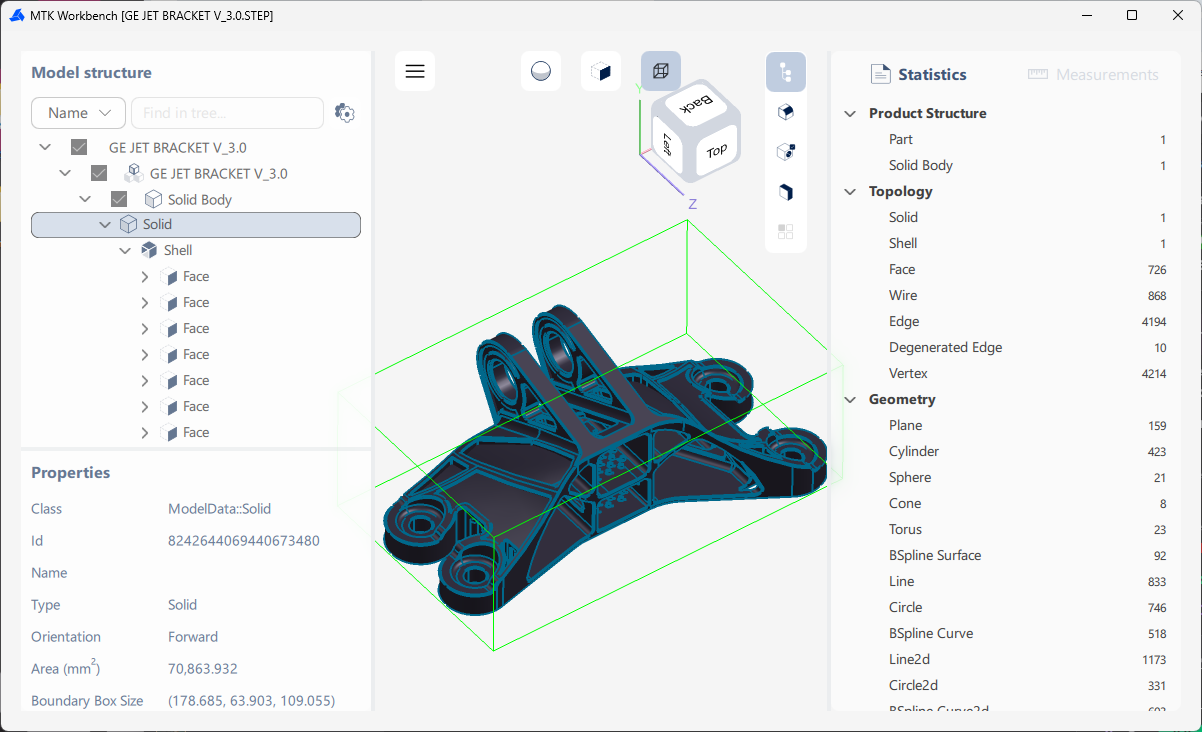
The Properties panel displays information about the selected object.
Depending on the object, this can include:
Available display modes include:
Selection can be restricted to:
The View Cube provides access to standard viewing directions. The bounding box of the selected model can also be displayed.
If drawing data is available, Workbench can display 2D drawing sheets. You can switch between sheets, inspect their structure, select drawing elements, and view their properties.
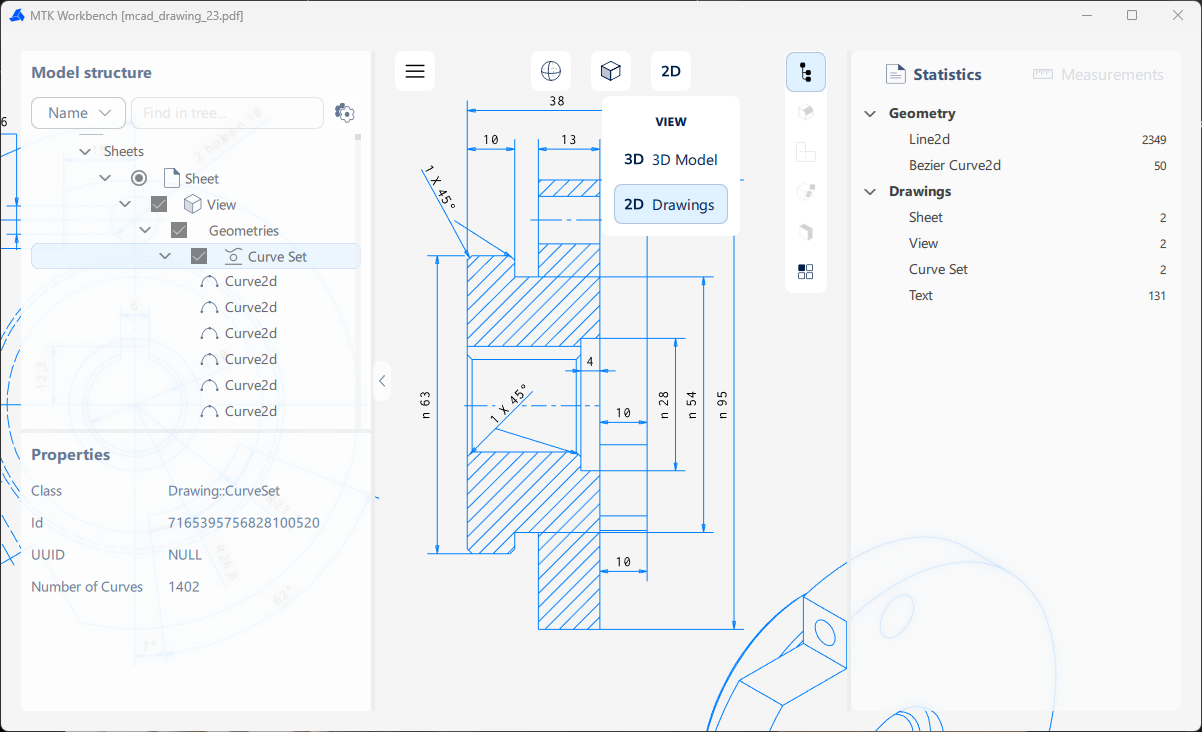
The Statistics panel groups model information by:
It shows the number and types of entities contained in the model.
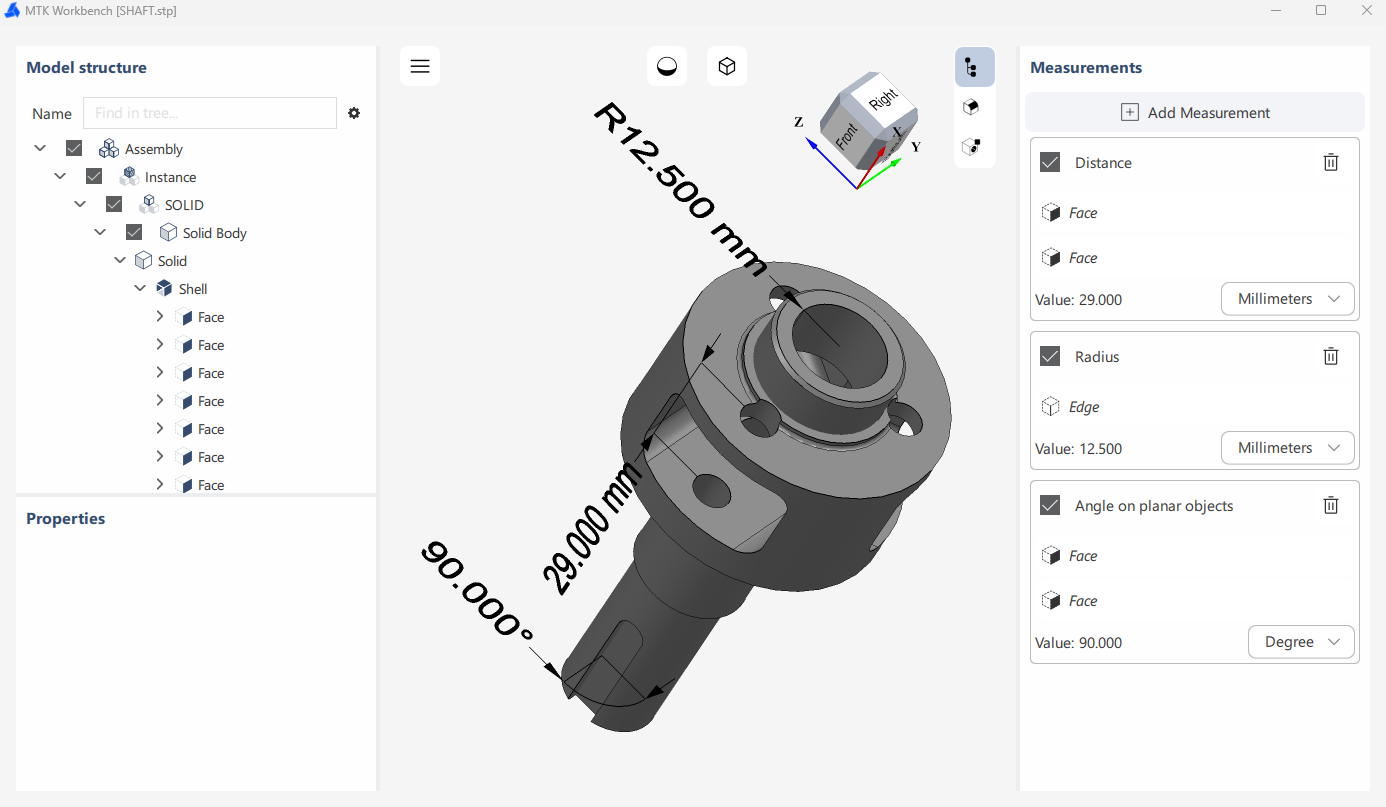
Create measurements by selecting geometry directly in the viewer.
Available measurement types include:
Measurements are displayed in the viewer and listed in the Measurements panel.
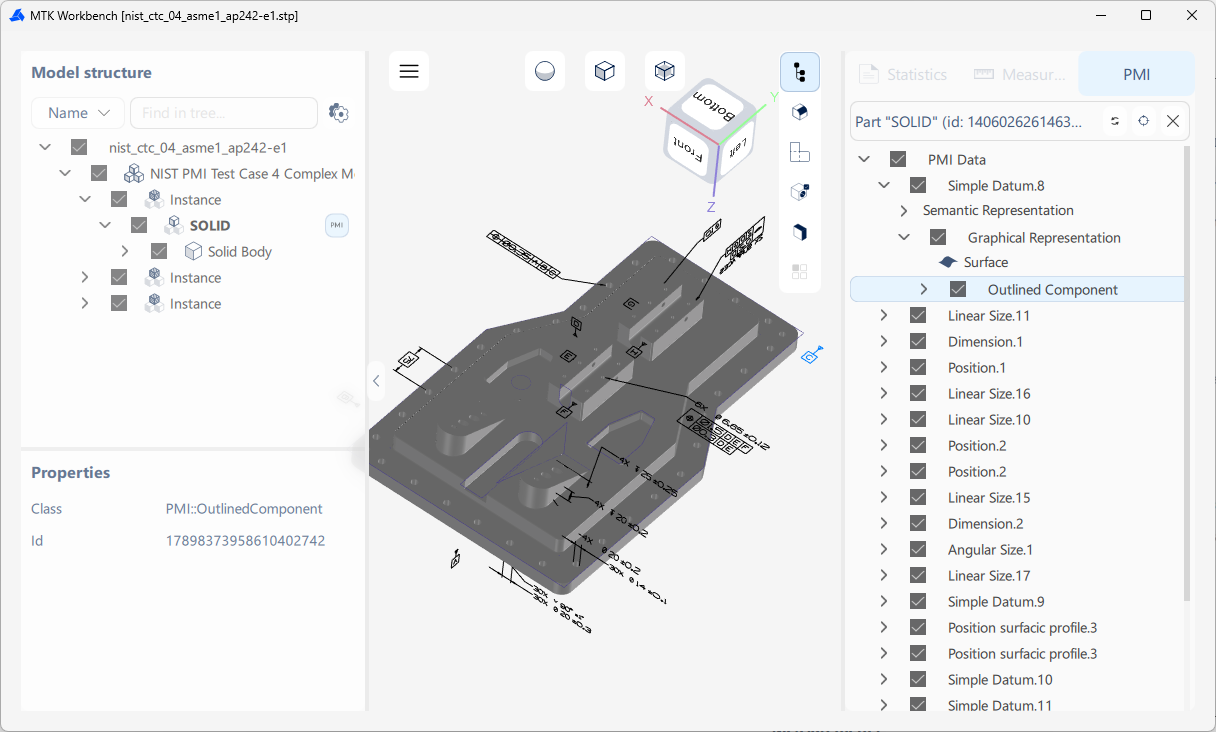
If PMI data is available, Workbench provides tools for inspecting its structure and contents.
You can:
See also: