Demonstrates how to run manufacturing analyses, convert a model to MTKWEB, and export JSON.
Overview
MTKConverter is a console example that imports a CAD model, runs one or more manufacturing processes, and exports:
-
the original model as
<export_target>/scenegraph.mtkweb,
-
process_data.json with manufacturing data,
-
thumbnail.png for the source model unless screenshot generation is disabled,
-
an additional processed model when the selected process produces one.
The example supports both part-oriented and drawing-oriented workflows.
-
Part-oriented workflows write data to the top-level
parts array in JSON.
-
Drawing-oriented nesting workflows write data to the top-level
sheets array.
The supported processes are listed below.
Process tools description
| Process | Toolkit components | Supported representation | Description |
| CNC Machining | Machining_FeatureRecognizer | BRep solids | Recognizes holes, milling faces, and other machining features . |
| DFMMachining_Analyzer | Reports machining DFM issues for drilling, milling, and turning. |
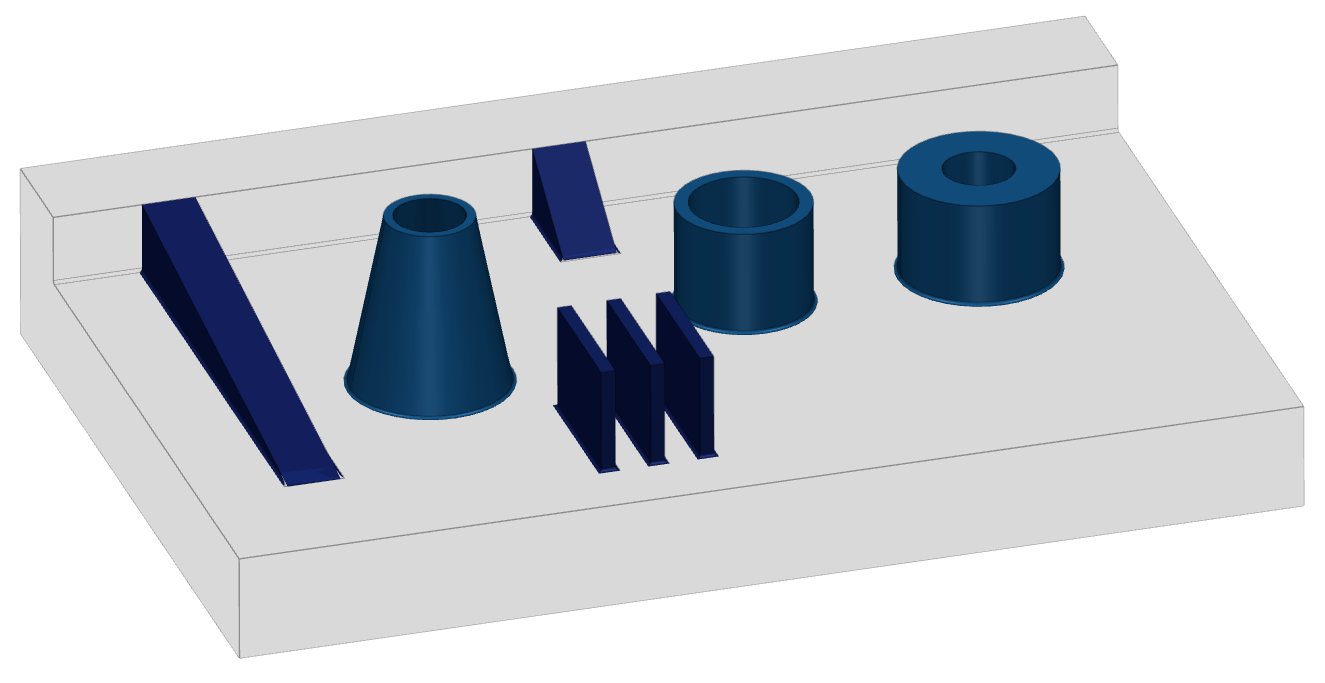
| Molding | Molding_FeatureRecognizer | Recognizes ribs, bosses, and other molding features. |
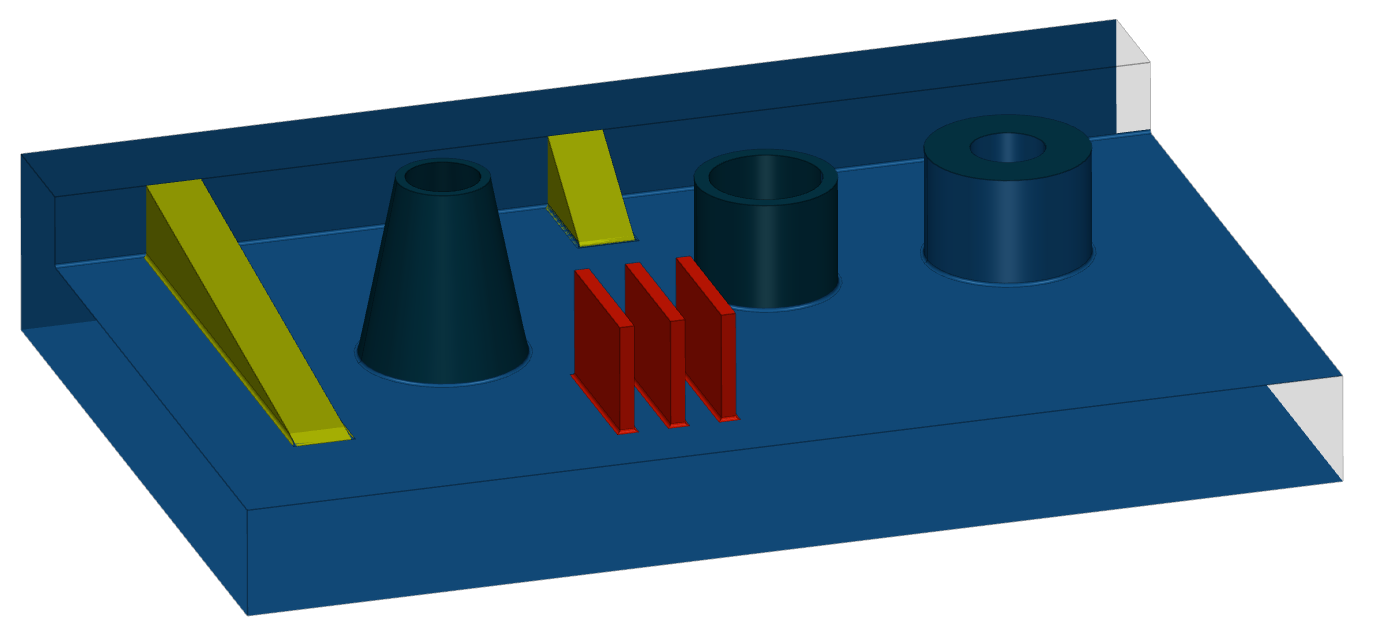
| DFMMolding_Analyzer | Reports molding DFM issues such as draft-angle and wall thickness problems. |
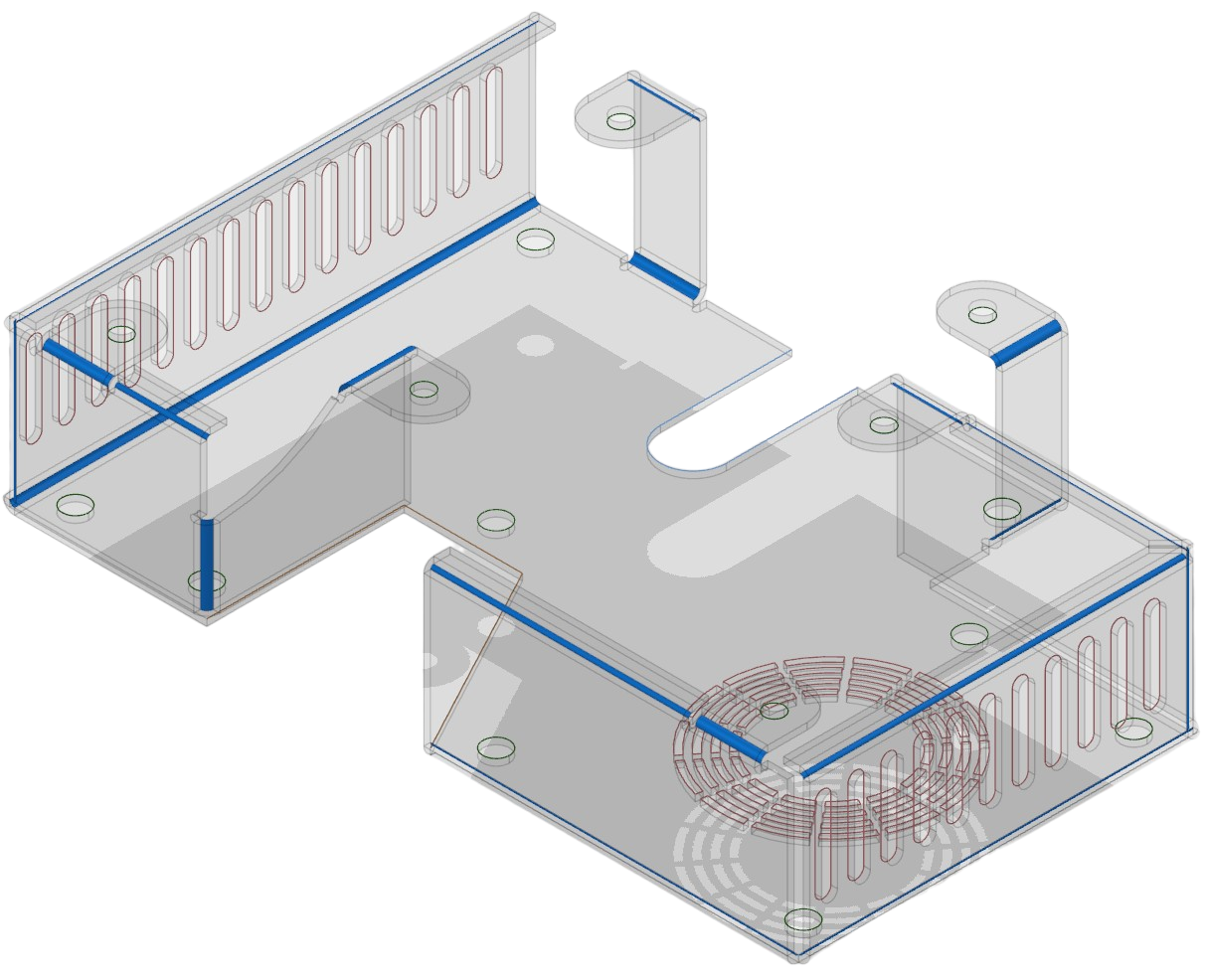
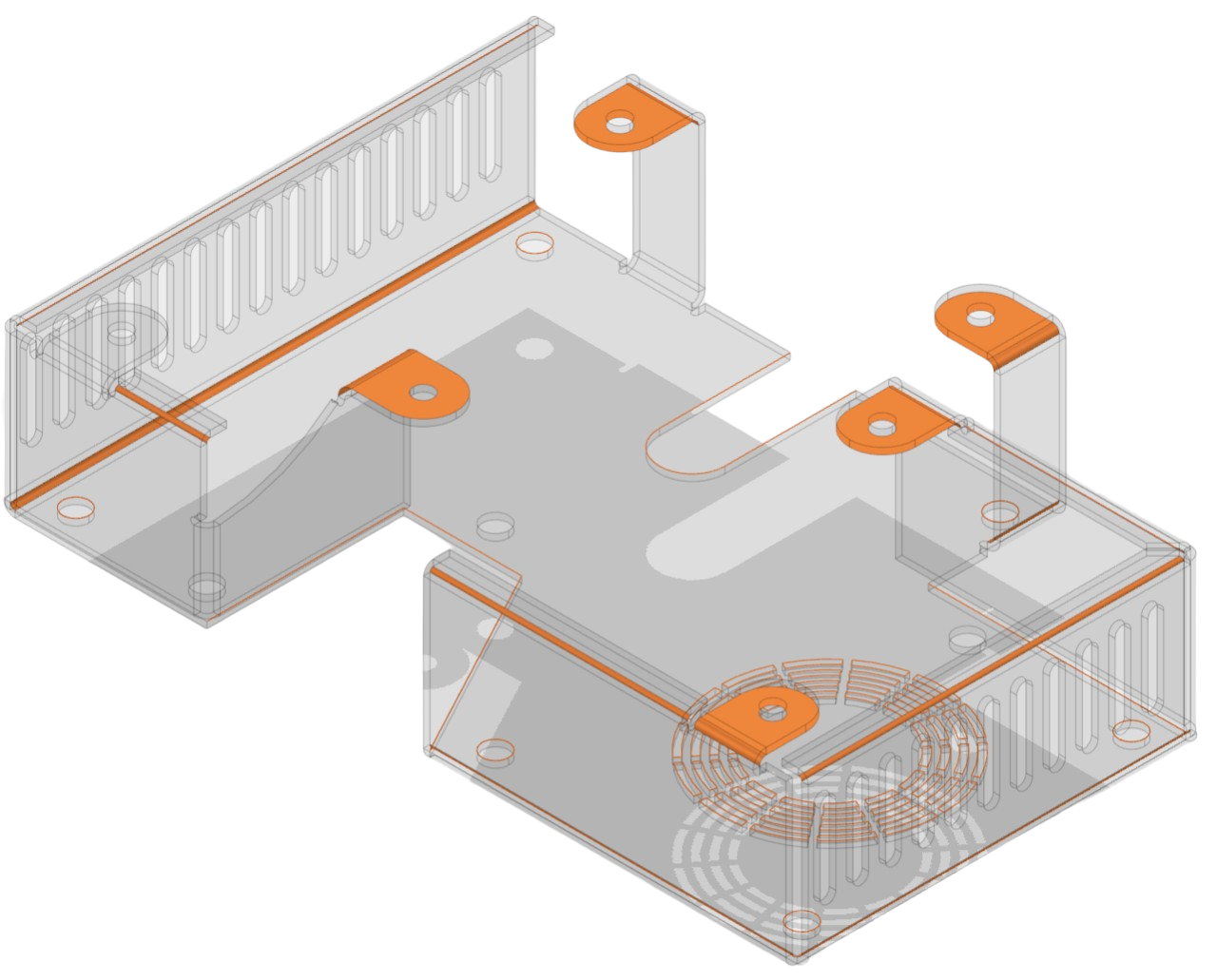
| Sheet Metal | SheetMetal_FeatureRecognizer | BRep solids and shells | Recognizes bends, holes, cutouts, and other sheet metal features. |
| SheetMetal_Unfolder | Creates an unfolded representation and an associated drawing. |
| DFMSheetMetal_Analyzer | Reports sheet metal DFM issues for both the folded and unfolded states. |
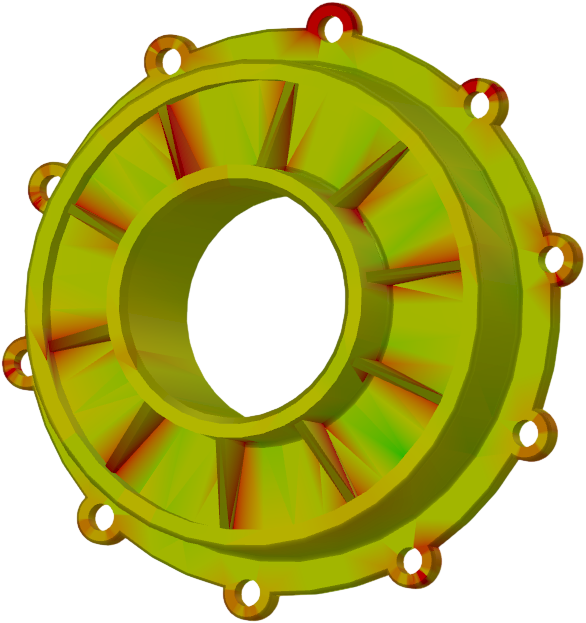
| Wall Thickness | WallThickness_Analyzer | BRep solids and mesh bodies | Computes minimum, maximum, and average wall thickness and creates an extra colorized model for visualization. |
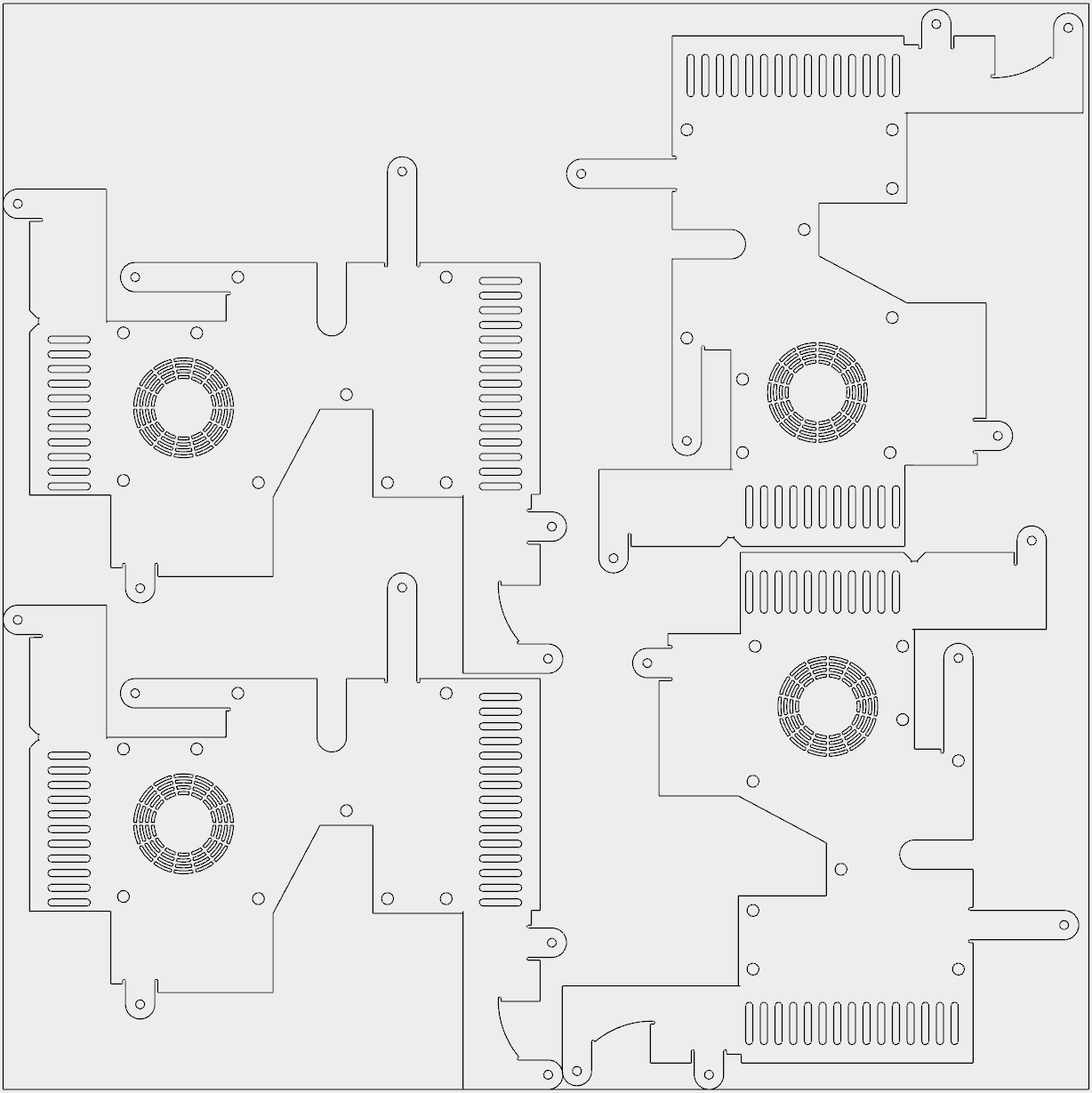
| Nesting | Nesting_Computer | Drawing sheets | Creates nested layouts from source drawing sheets or from sheet metal flat-pattern drawing. |
- Note
- Thumbnail and screenshot generation uses OpenGL 2.1 or newer with FBO support. On Linux it typically requires an X11 display; on headless machines use Xvfb or disable screenshots with
--no-screenshot.
Running the example
The command line is interpreted as a sequence of actions:
MTKConverter -i <import_file> -p <process> ... -e <export_target> [options]
-i, -p, and -e may appear multiple times. This allows the example to import once, run several processes, and export intermediate or final results in one run.
Possible process parameter values
| Parameter value | Process | Description |
| machining_milling | CNC Machining | Milling feature recognition and DFM analysis. |
| machining_turning | Lathe+Milling feature recognition and DFM analysis. |
| molding | Molding | Feature recognition and DFM analysis. |
| sheet_metal | Sheet Metal | Feature recognition, unfolding, and DFM analysis. |
| wall_thickness | Wall Thickness | Computes minimum, maximum, and average thickness and exports a colorized extra model. |
| nesting | Nesting | Nesting from a source drawing or, when available, from the unfolded drawing produced by sheet_metal. |
Optional arguments
| Option | Description |
| --no-screenshot | Disables thumbnail.png generation. |
| --export_mtk | Additionally saves the processed model as <import file>_<process>_processed.mtk. |
| --sheet-size <L> <W> | Sets nesting sheet size in millimeters. Default is 500 x 500. |
| --pattern-count <N> | Sets how many copies of every drawing pattern must be nested. Default is 4. |
| --nesting-mode per-sheet | all-sheets | Runs nesting independently for each source sheet or for all sheets together. Default is per-sheet. |
Examples
The following examples show how to run different MTKConverter processes and export their results.
Machining Milling:
MTKConverter.exe -i C:\\models\\test.step -p machining_milling -e C:\\models\\machining_milling
Sheet metal followed by nesting of the unfolded drawing:
MTKConverter.exe -i C:\\models\\test.step -p sheet_metal -e C:\\models\\sheet_metal_nesting -p nesting -e C:\\models\\sheet_metal_nesting --nesting-mode all-sheets --sheet-size 500 500 --pattern-count 4 --export_mtk
Wall thickness:
MTKConverter.exe -i C:\\models\\test.step -p wall_thickness -e C:\\models\\wall_thickness
Nesting directly from a source drawing:
MTKConverter.exe -i C:\\models\\test.mtk -p nesting -e C:\\models\\nesting --sheet-size 1000 500
Implementation
The example is organized around three stages:
-
Import() reads the source model with ModelData_ModelReader . If nesting is requested, drawing import is enabled before execution.
-
Process() selects and invokes either a part processor or a deawing processor to handle the requested process.
-
Export() writes the source model, the optional processed model, and process_data.json.
Import
The import stage reads the source model and configures reader parameters through MTKConverter_ImportParameters.
@staticmethod
def _Import(
theFilePath: str,
theModel: mtk.ModelData_Model,
theImportParameters: MTKConverter_ImportParameters):
print("Importing ", theFilePath, "...", sep="", end="", flush=True)
aReader = mtk.ModelData_ModelReader()
aReader.SetParameters(theImportParameters.myReaderParameters)
if not aReader.Read(mtk.UTF16String(theFilePath), theModel):
print("\nERROR: Failed to import ", theFilePath, ". Exiting", sep="")
return MTKConverter_ReturnCode.ImportError
return MTKConverter_ReturnCode.Ok
Process
Part-oriented processing uses ModelData_ModelElementUniqueVisitor so that every unique part gets a persistent Uuid. These UUIDs are reused in JSON and in process models. Nesting is handled separately through a drawing processor because it works on drawing sheets rather than 3D parts.
@staticmethod
def _Process(
theProcess: str,
theModel: mtk.ModelData_Model,
theReport: MTKConverter_Report,
theProcessModel: mtk.ModelData_Model,
theParameters: MTKConverter_Parameters):
print("Processing ", theProcess, "...", sep="", end="", flush=True)
aProcessType = MTKConverter_Application._FindProcessType(theProcess)
if aProcessType == MTKConverter_ProcessType.WallThickness:
theProcessModel.SetName(mtk.UTF16String("extra"))
aProcessor = MTKConverter_WallThicknessProcessor(theProcessModel, theParameters.myWallThicknessParameters)
return MTKConverter_Application._ApplyPartProcessorToModel(theModel, theReport, aProcessor)
if aProcessType == MTKConverter_ProcessType.MachiningMilling:
aProcessor = MTKConverter_MachiningProcessor(mtk.Machining_OT_Milling)
return MTKConverter_Application._ApplyPartProcessorToModel(theModel, theReport, aProcessor)
if aProcessType == MTKConverter_ProcessType.MachiningTurning:
aProcessor = MTKConverter_MachiningProcessor(mtk.Machining_OT_LatheMilling)
return MTKConverter_Application._ApplyPartProcessorToModel(theModel, theReport, aProcessor)
if aProcessType == MTKConverter_ProcessType.Molding:
theProcessModel.SetName(mtk.UTF16String(str(theModel.Name()) + "_extra"))
aProcessor = MTKConverter_MoldingProcessor(theProcessModel)
return MTKConverter_Application._ApplyPartProcessorToModel(theModel, theReport, aProcessor)
if aProcessType == MTKConverter_ProcessType.SheetMetal:
theProcessModel.SetName(mtk.UTF16String(str(theModel.Name()) + "_unfolded"))
aProcessor = MTKConverter_SheetMetalProcessor(theProcessModel)
return MTKConverter_Application._ApplyPartProcessorToModel(theModel, theReport, aProcessor)
if aProcessType == MTKConverter_ProcessType.Nesting:
theProcessModel.SetName(mtk.UTF16String(str(theModel.Name()) + "_nested"))
aProcessor = MTKConverter_NestingProcessor(theProcessModel, theParameters.myNestingParameters)
return MTKConverter_Application._ApplyDrawingProcessorToModel(
theModel, theProcessModel, theReport, aProcessor)
return MTKConverter_ReturnCode.InvalidArgument
Part processor
MTKConverter_PartProcessor traverses each part and handles both BRep bodies and mesh bodies (for wall thickness).
def __call__(self, thePart):
aProcessData = self.CreateProcessData(thePart)
...
Sheet Metal processing
MTKConverter_SheetMetalProcessor runs feature recognition and unfolding together, stores the unfolded shell in a separate process model, and also converts the flat pattern to a drawing. That drawing can then be reused by the subsequent nesting step.
def __init__(self, theUnfoldedModel):
self.myAnalyzer = mtk.SheetMetal_Analyzer()
self.myAnalyzer.AddTool(mtk.SheetMetal_FeatureRecognizer())
self.myAnalyzer.AddTool(mtk.SheetMetal_Unfolder())
Wall Thickness processing
The processor computes scalar thickness values with WallThickness_Analyzer, then converts the result to a colorized mesh so that the process model can be visualized in MTKWEB or saved as MTK.
Nesting processing
Nesting is implemented through MTKConverter_DrawingProcessor. It extracts source sheets, gathers the views that act as patterns, runs Nesting_Computer, and stores the resulting drawing in the process model. If sheet_metal is executed before nesting, the nesting step first tries to use the drawing stored in the current process model, so chaining works when the sheet metal step produced a flat-pattern drawing.
Export and Reporting
The export stage always writes the source model as MTKWEB and process_data.json. If the selected process created an additional model or drawing, that process model is exported too. When --export_mtk is enabled, the process model is also saved as MTK.
MTKConverter_Report::WriteToJSON() writes a single JSON report whose structure depends on the selected process:
-
Part-oriented process results are written to the top-level
parts array.
-
Nesting results are written to the top-level
sheets array.
-
Feature Recognition and DFM data are serialized with Utilities_JSONSerializer .
-
Wall Thickness and Nesting sections are written explicitly.
For feature-based results, shape IDs are taken from the part B-Rep representation, so JSON entries can be mapped back to model shapes.
- Note
- A public sample serializer is available in
examples/helpers for reference only and is updated infrequently, so it may not reflect newly added features or issues. For production use, prefer Utilities_JSONSerializer .
Example output
The export folder always contains process_data.json and the source .mtkweb model. Depending on the selected process, it can also contain:
-
thumbnail.png,
-
extra.mtkweb for wall thickness visualization,
-
<model_name>_extra.mtkweb for molding visualization data,
-
<model_name>_unfolded.mtkweb for sheet metal results,
-
<model_name>_nested.mtkweb for nesting results.
When --export_mtk is enabled, the processed model is also saved as <processed_name>_processed.mtk.
thumbnail.png is skipped when --no-screenshot is used.
Below are representative outputs for different processes. The JSON samples are intentionally shortened, but they preserve the actual structure generated by the current example.
Machining Milling
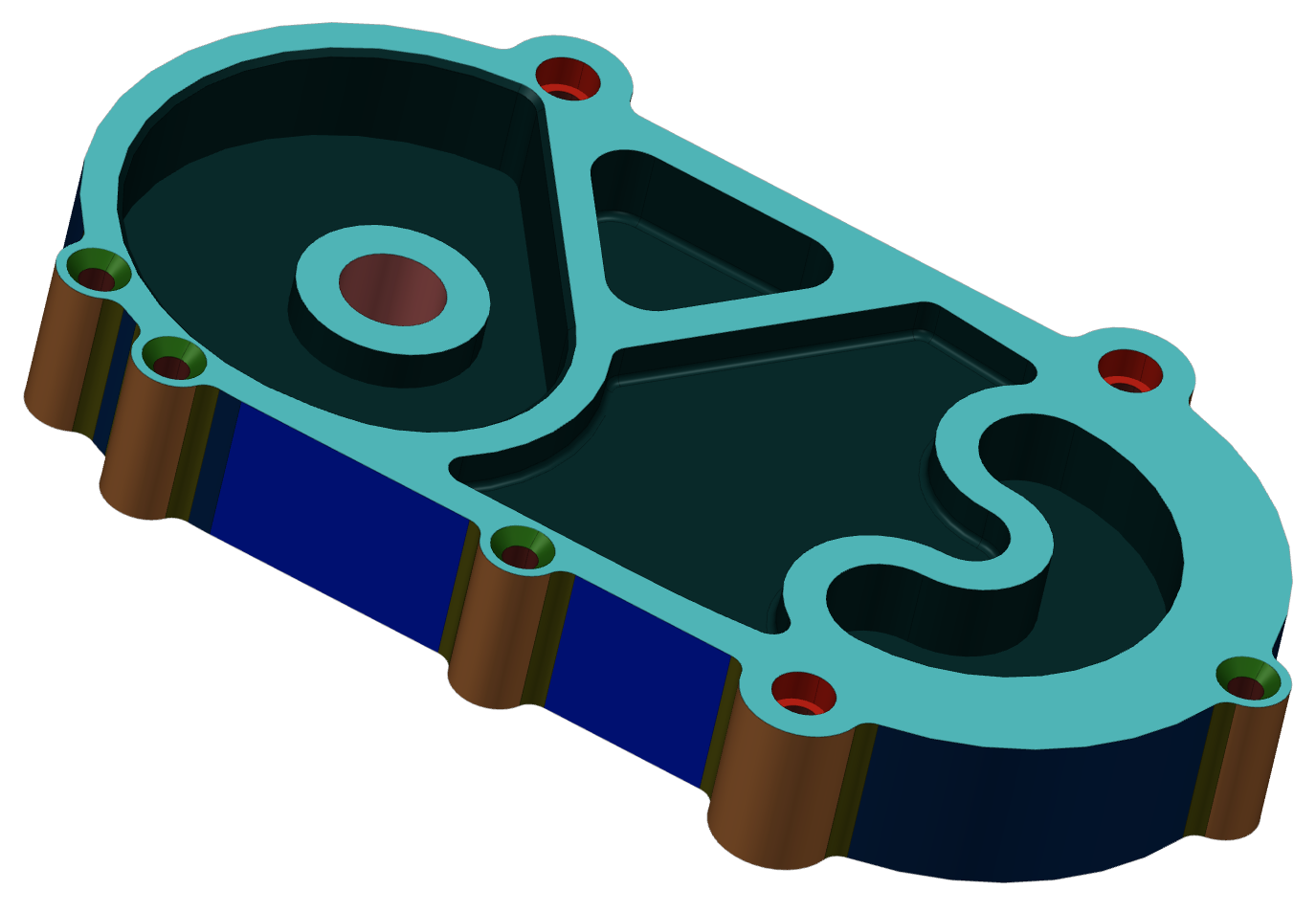
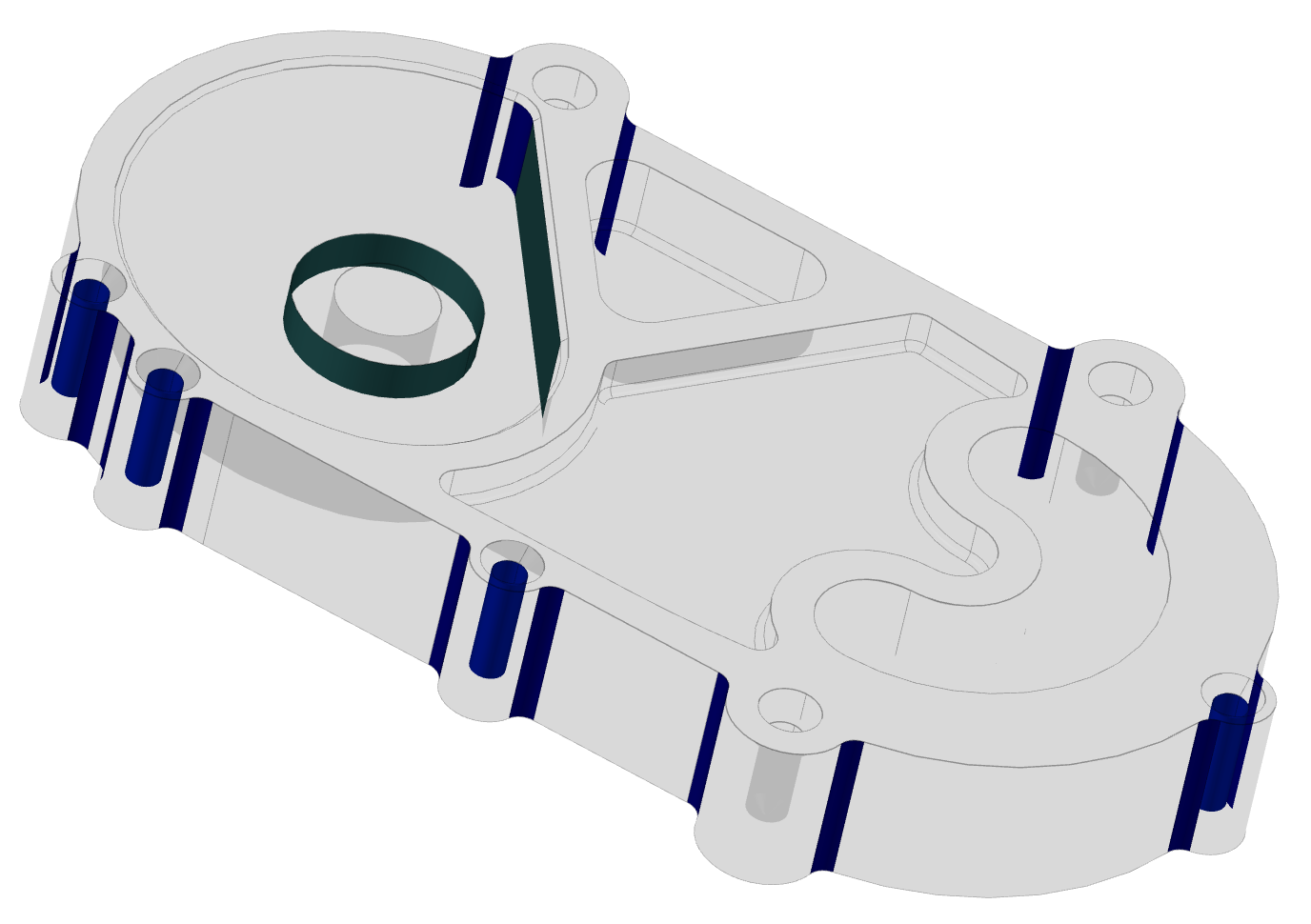
The ./examples/models/Fresamento_CAM1_v3.stp model can be used to run machining_milling.
Output
{
"version": "1",
"parts": [
{
"partId": "5cbb91d0-f69e-4e22-aefa-e1e7791fc3d5",
"process": "CNC Machining Milling",
"featureRecognition": {
"name": "Feature Recognition",
"totalFeatureCount": "44",
"featureGroups": [
{
"name": "Concave Fillet Edge Milling Face(s)",
"color": "(129, 127, 38)",
"subGroups": [
{
"parameters": [
{
"name": "Radius",
"units": "mm",
"value": "5.00"
}
],
"features": [
...
]
}
]
},
...
]
},
"dfm": {
"name": "Design for Manufacturing",
"featureGroups": [
...
]
}
}
]
}
Machining Turning
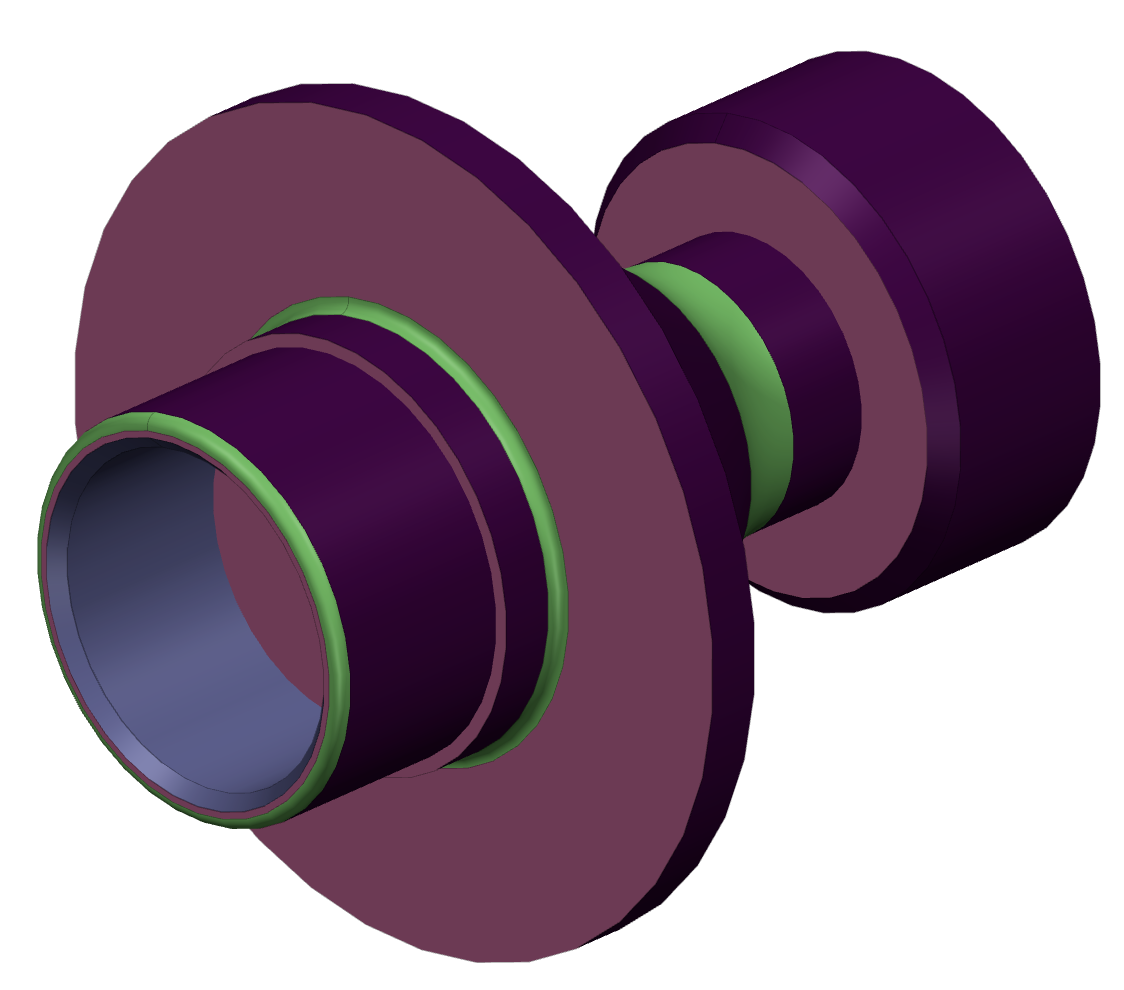
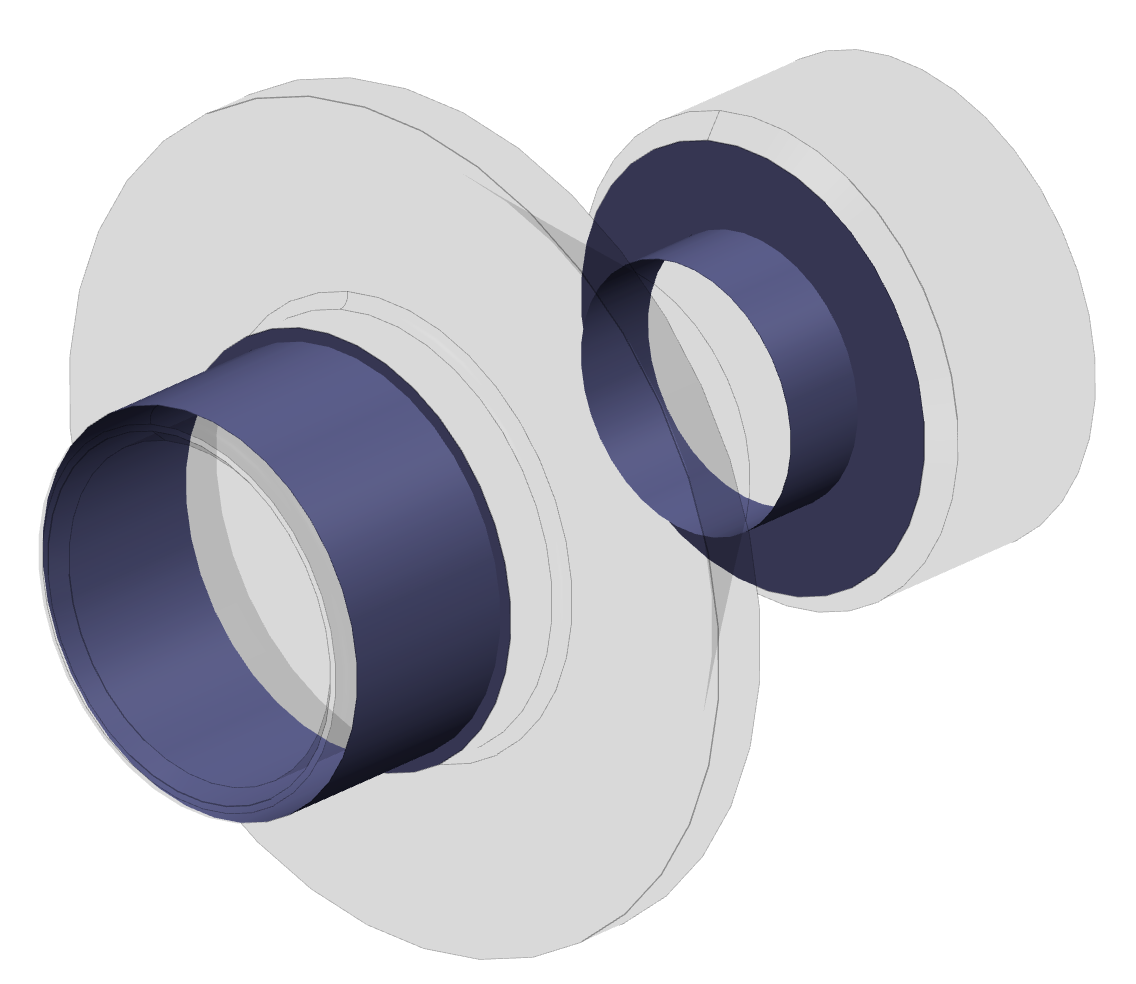
The ./examples/models/senthi.step model can be used to run machining_turning. The JSON structure is the same as for machining milling, but the process name becomes CNC Machining Lathe+Milling and the feature/DFM content reflects the turning workflow.
Output
{
"version": "1",
"parts": [
{
"partId": "b9a9325d-63c7-48a9-993e-eb1cc826f967",
"process": "CNC Machining Lathe+Milling",
"featureRecognition": {
"name": "Feature Recognition",
"totalFeatureCount": "245",
"featureGroups": [
...
]
},
"dfm": {
"name": "Design for Manufacturing",
"featureGroups": [
...
]
}
}
]
}
Molding
The process keeps the same top-level parts structure, but the recognized features and DFM issues are molding-specific.
Output
{
"version": "1",
"parts": [
{
"partId": "1e43ec6c-9742-40b1-90b5-038f028eb8bb",
"process": "Molding Analysis",
"featureRecognition": {
"name": "Feature Recognition",
"featureGroups": [
{
"name": "Rib(s)",
"subGroups": [
{
"parameters": [
{ "name": "Length", "units": "mm", "value": "1.00" },
{ "name": "Height", "units": "mm", "value": "0.71" },
{ "name": "Thickness", "units": "mm", "value": "1.00" },
{ "name": "Draft Angle", "units": "deg", "value": "0.00" }
],
"features": [
...
]
}
]
}
]
},
"dfm": {
"name": "Design for Manufacturing",
"featureGroups": [
{
"name": "Small Draft Angle Rib(s)",
"subGroups": [
...
]
},
{
"name": "Small Wall(s)",
"subGroups": [
...
]
}
]
}
}
]
}
Sheet Metal
The ./examples/models/Part2.stp model is suitable for sheet_metal. In addition to the regular feature-recognition and DFM sections, the result also contains unfolded information.
Output
{
"version": "1",
"parts": [
{
"partId": "37e0442d-8adc-4e01-a11d-bc008b90cbd8",
"process": "Sheet Metal",
"featureRecognition": {
"name": "Feature Recognition",
"totalFeatureCount": "118",
"featureGroups": [
...
]
},
"dfm": {
"name": "Design for Manufacturing",
"featureGroups": [
...
]
},
"featureRecognitionUnfolded": {
"name": "Feature Recognition",
"parametersCount": "4",
"parameters": [
{ "name": "Length", "units": "mm", "value": "182.16" },
{ "name": "Width", "units": "mm", "value": "179.58" },
{ "name": "Thickness", "units": "mm", "value": "1.00" },
{ "name": "Perimeter", "units": "mm", "value": "1135.61" }
]
},
"dfmUnfolded": {
"name": "Design for Manufacturing",
"featureGroups": [
{
"name": "Non Standard Sheet Size(s)",
"subGroups": [
{
"parameters": [
{
"name": "Nearest Standard Size (LxW)",
"units": "mm",
"value": "300.00 x 200.00"
},
{
"name": "Actual Size (LxW)",
"units": "mm",
"value": "182.16 x 179.58"
}
],
"features": [
{
"shapeIDCount": "0",
"shapeIDs": []
}
]
}
]
}
]
}
}
]
}
Wall Thickness
Wall Thickness entries are stored in the parts array. Each entry contains the part UUID, the extreme thickness values, the point pairs where these values were found, and a compact parameter list.
Output
{
"version": "1",
"parts": [
{
"partId": "4b15cb5f-3fe7-4434-b036-7ecf3df80bc7",
"process": "Wall Thickness Analysis",
"minThickness": {
"name": "Minimum Thickness",
"units": "mm",
"value": "3.00",
"firstPoint": "(-68.74, 24.82, -20.58)",
"secondPoint": "(-62.97, 22.00, -19.03)"
},
"maxThickness": {
"name": "Maximum Thickness",
"units": "mm",
"value": "7.21",
"firstPoint": "(45.89, 29.00, 35.20)",
"secondPoint": "(47.65, 29.00, 32.77)"
},
"parameters": [
{
"name": "Minimum Thickness",
"units": "mm",
"value": "3.00"
},
{
"name": "Maximum Thickness",
"units": "mm",
"value": "7.21"
},
{
"name": "Average Thickness",
"units": "mm",
"value": "4.95"
}
]
}
]
}
Nesting
Nesting results are stored in the top-level sheets array rather than in parts. Every item references source sheets through sourceIds and contains one or more generated result sheets.
Output
{
"version": "1",
"sheets": [
{
"sourceIds": [
"ba687c4a-b6ee-4ab2-a2e8-512d07494d97"
],
"process": "Nesting",
"nesting": {
"sheets": [
{
"sheetId": "383da9d8-d3d2-4268-8a63-f909aa8d4264",
"parameters": [
{
"name": "Sheet Length",
"units": "mm",
"value": "370.00"
},
{
"name": "Sheet Width",
"units": "mm",
"value": "370.00"
},
{
"name": "Requested Pattern Count",
"units": "pcs",
"value": "4"
},
{
"name": "Nested Pattern Count",
"units": "pcs",
"value": "4"
}
]
}
]
}
}
]
}
When a run contains both part-oriented processes and nesting, both top-level arrays can appear in the same process_data.json.
Files
 Manufacturing Toolkit