 Manufacturing Toolkit

The examples are pages in one React application built on top of MTK Web model data, Three.js rendering, and the reusable visualization helpers from shared/src. Use them as application references: each page explains what the example owns, which shared components it composes, and which files to read when adapting the workflow.
Install and start the examples from the examples workspace:
Use the server-backed command when an example needs MTKConverter or converted model previews:
The main page opens a card grid. Each card links to one of the React examples below. Server-backed manufacturing examples first open an import page, then navigate to their viewer page after a converted model is selected or uploaded.
| Directory | Purpose |
|---|---|
shared/src | Framework-independent viewer classes, file-source helpers, structures, interaction managers, materials, measurements, PMI, design-review, and manufacturing-result visualization helpers. |
react/src | React pages, panels, hooks, routing, upload UI, import cards, and Ant Design based controls that compose the shared viewers. |
server/src | Lightweight server endpoints used by MTKConverter-backed examples and remote converted model previews. |
assets | Sample models, converted MTK model folders, and page preview images. |
| Preview | Example | What to study |
|---|---|---|
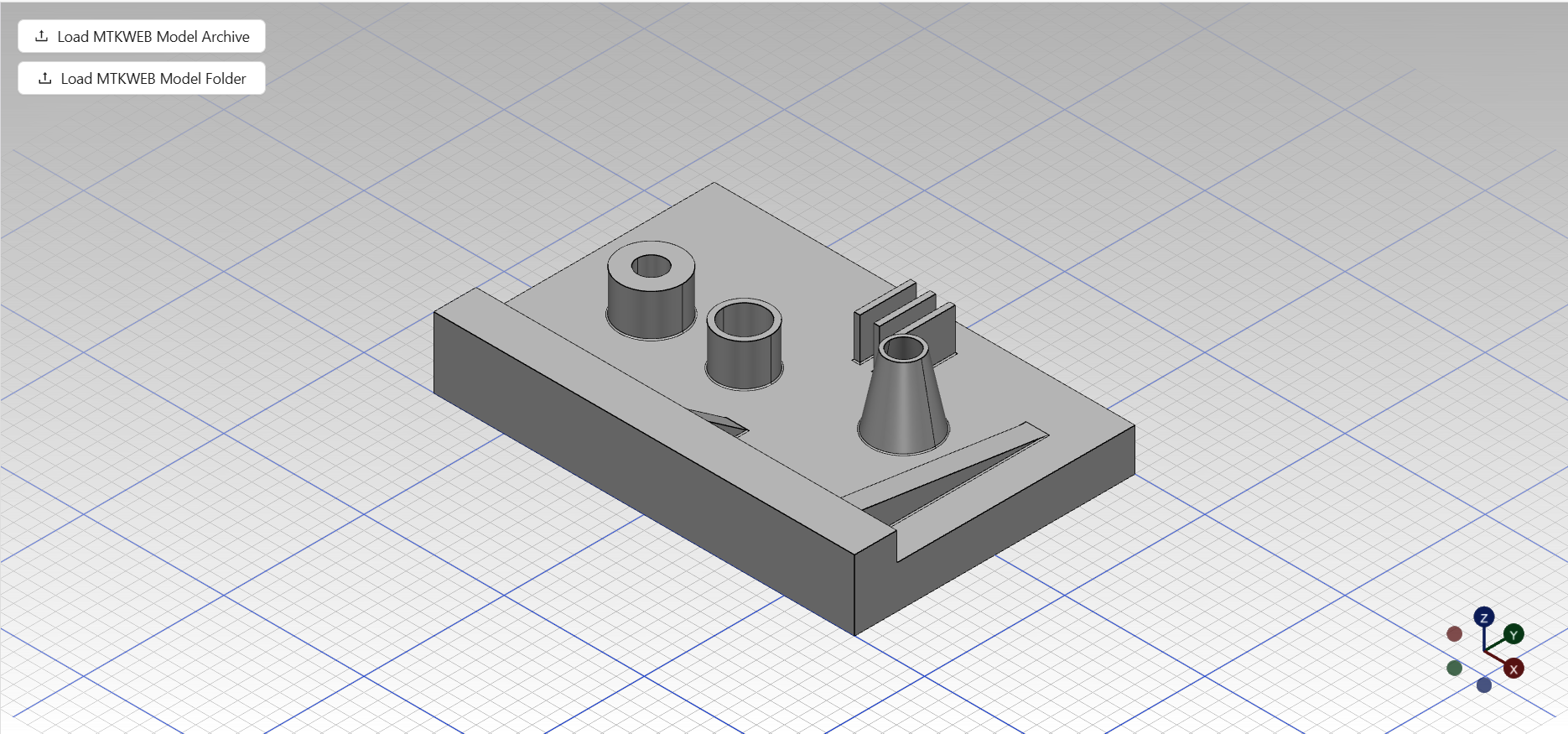 | Base Model Viewer Example | Loading local MTKWEB files or folders, switching between model and drawing visualization, and fitting a viewport. |
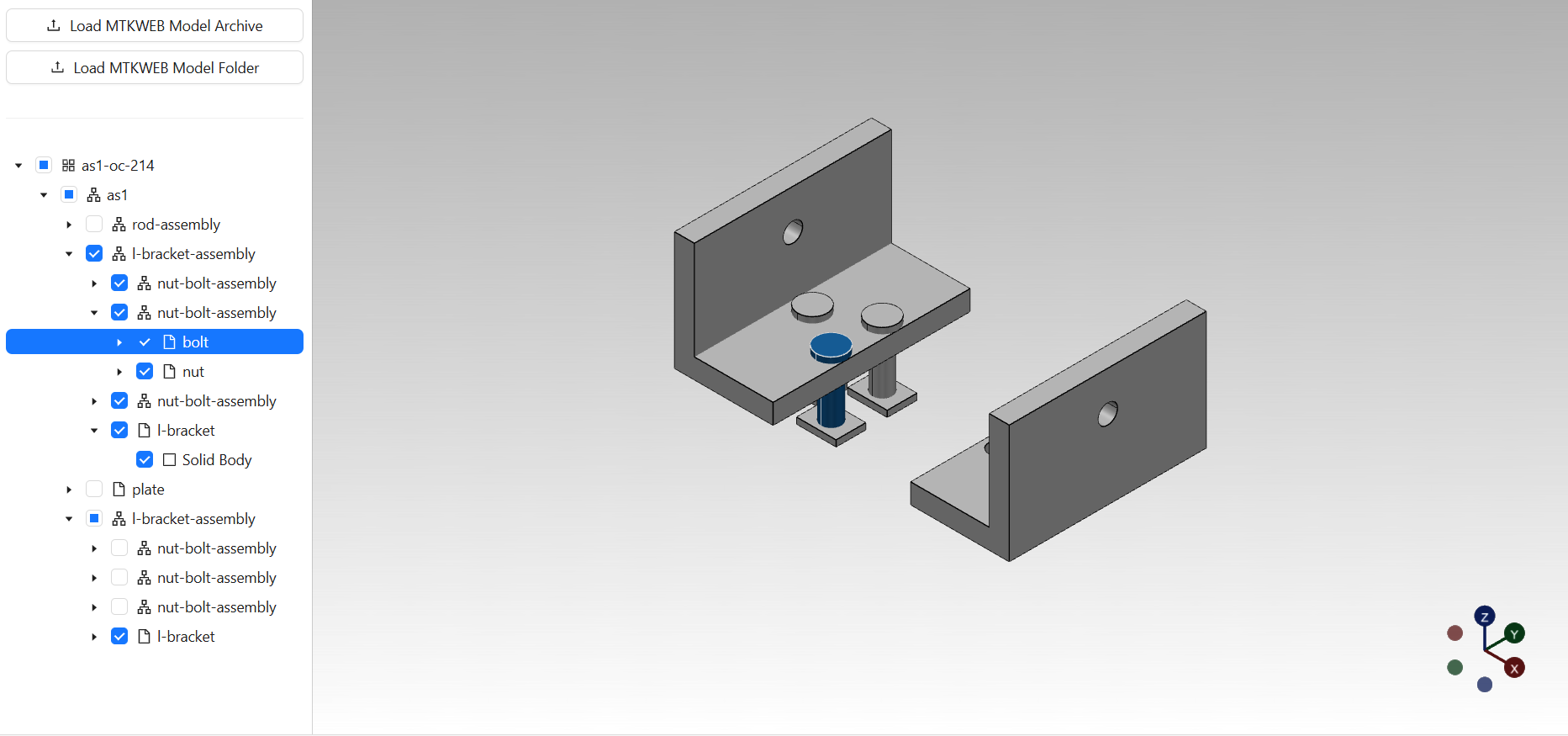 | Model Structure Viewer Example | Connecting a checked tree to model or drawing visibility in the scene. |
 | Model Explorer Viewer Example | Combining the structure tree with selected-element property inspection. |
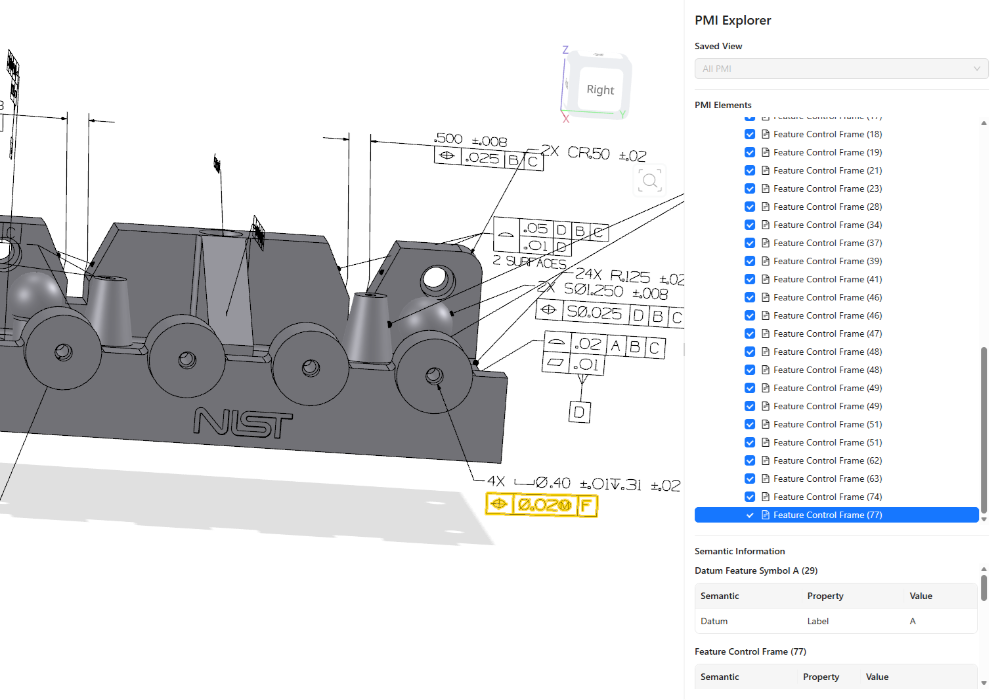 | PMI Explorer Viewer Example | Building PMI structures, toggling graphical PMI, applying saved views, and showing semantic PMI data. |
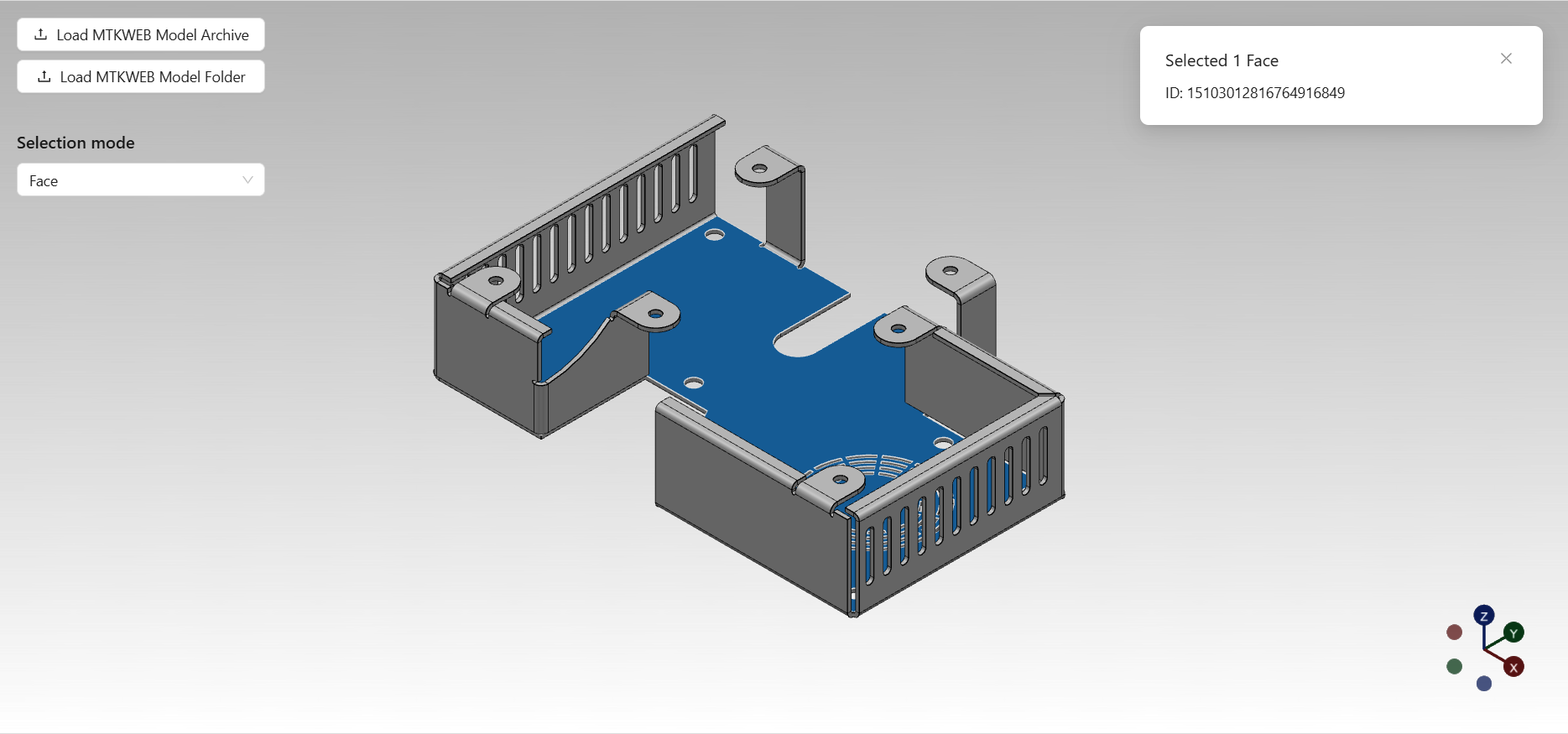 | Selection Handling Viewer Example | Selecting nodes, faces, edges, and drawing elements through scene picking and highlight state. |
 | Measurement Creating Viewer Example | Creating, listing, highlighting, moving, hiding, and deleting visual measurements. |
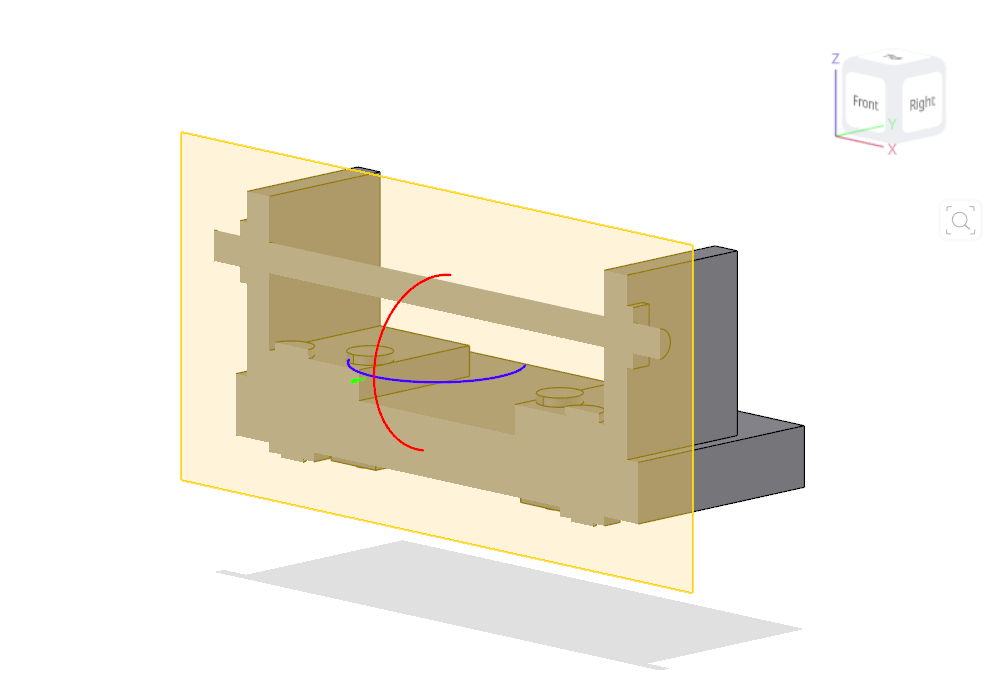 | Section Plane Creating Viewer Example | Creating global or selected-node section planes with capping and transform controls. |
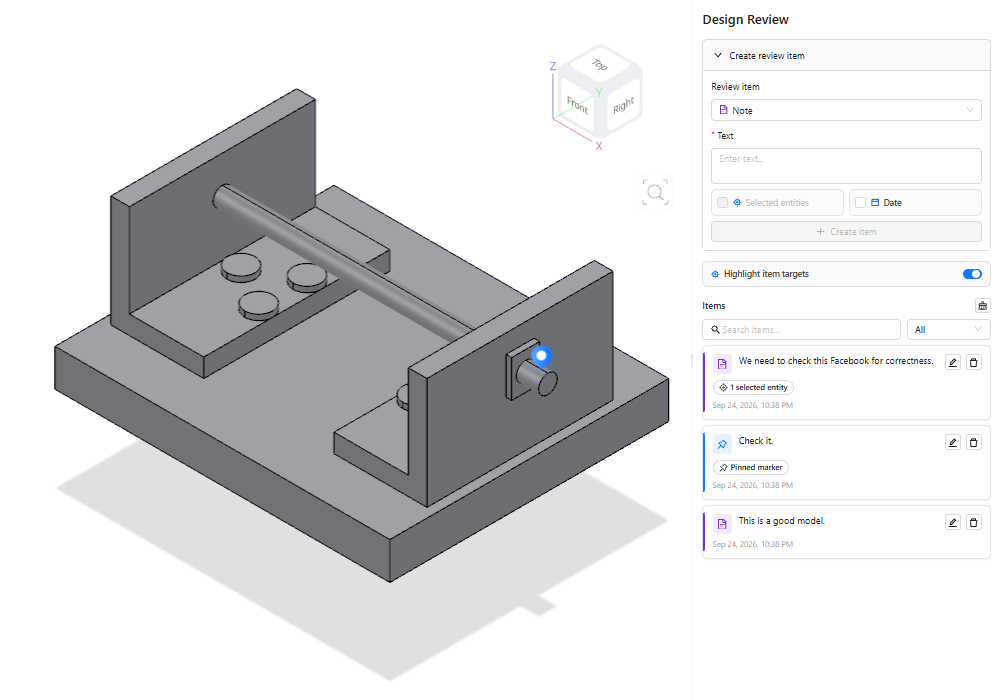 | Markup Creating Viewer Example | Creating design-review notes, model pins, drawing references, and review item targets. |
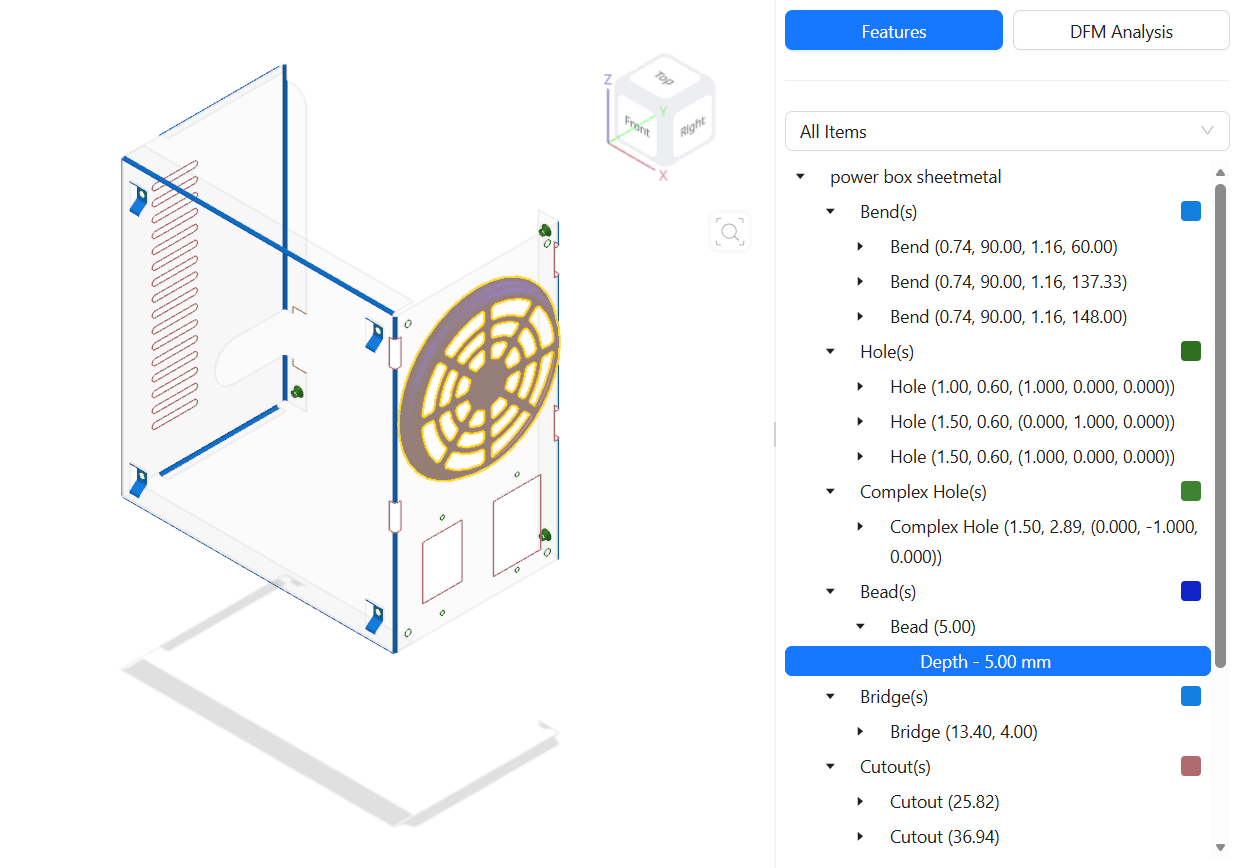 | Features and DFM Explorer Example | Loading manufacturing-process results and filtering feature-recognition or DFM geometry. |
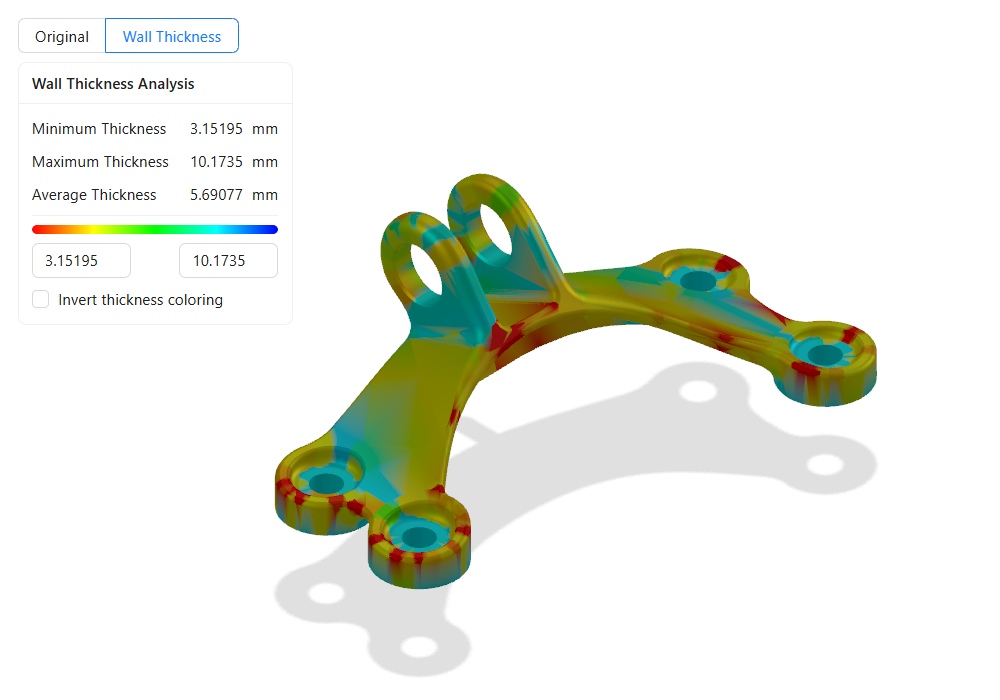 | Wall Thickness Analysis Example | Recoloring wall-thickness meshes, adjusting the display range, and probing thickness at picked points. |
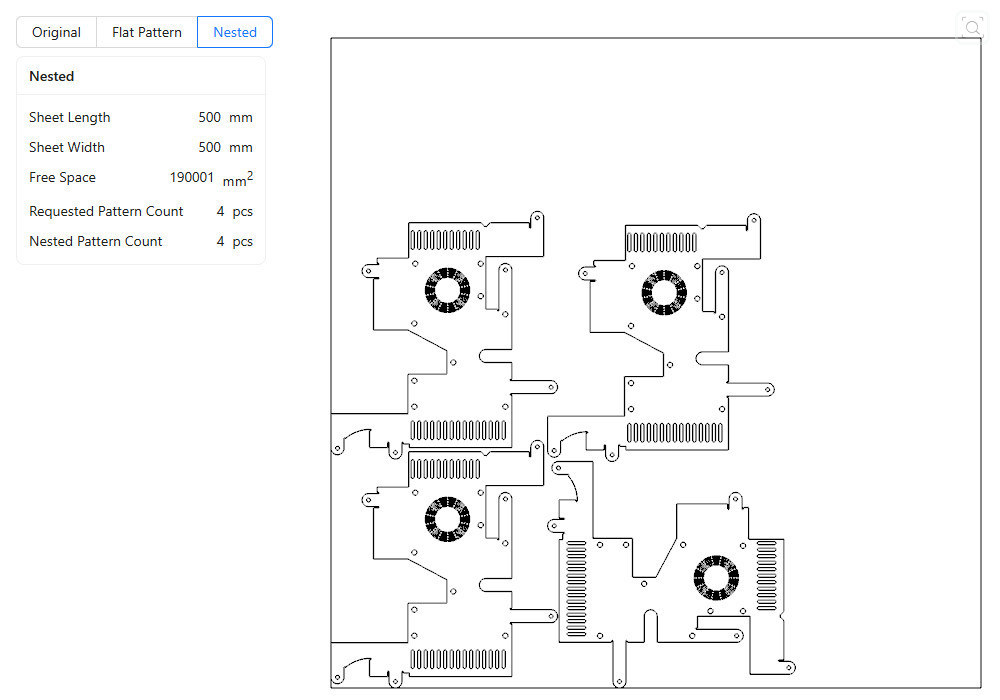 | Sheet Metal Nesting Example | Switching between original, unfolded, and nested sheet-metal visualization modes. |
Choose the viewer that matches the task you want to implement:
| Task | Starting point |
|---|---|
| Load an MTKWEB model or drawing and fit the viewport | Base Model Viewer Example |
| Browse a model or drawing tree and control visibility | Model Structure Viewer Example |
| Inspect properties of selected structure nodes | Model Explorer Viewer Example |
| Pick geometry and manage selection highlights | Selection Handling Viewer Example |
| Create measurements from model geometry | Measurement Creating Viewer Example |
| Clip model geometry with section planes | Section Plane Creating Viewer Example |
| Add design-review notes and pins | Markup Creating Viewer Example |
| Browse PMI, saved views, and semantic information | PMI Explorer Viewer Example |
| Explore recognized features and DFM issues | Features and DFM Explorer Example |
| Display and probe wall-thickness results | Wall Thickness Analysis Example |
| Inspect sheet-metal nesting layouts | Sheet Metal Nesting Example |
The first eight viewers use local MTKWEB files or folders. The three manufacturing viewers need converted process data; start them with the server-backed command above and use their import pages to select or create a converted result.
See Visualization Layer for task-oriented snippets that extract the same shared helpers without reusing a complete application page.